Category scope
Category positioning and audience notes
Describe what the WooCommerce category covers, who typically buys from it, and any relevant market or product-range notes that should shape generation for products in that section.
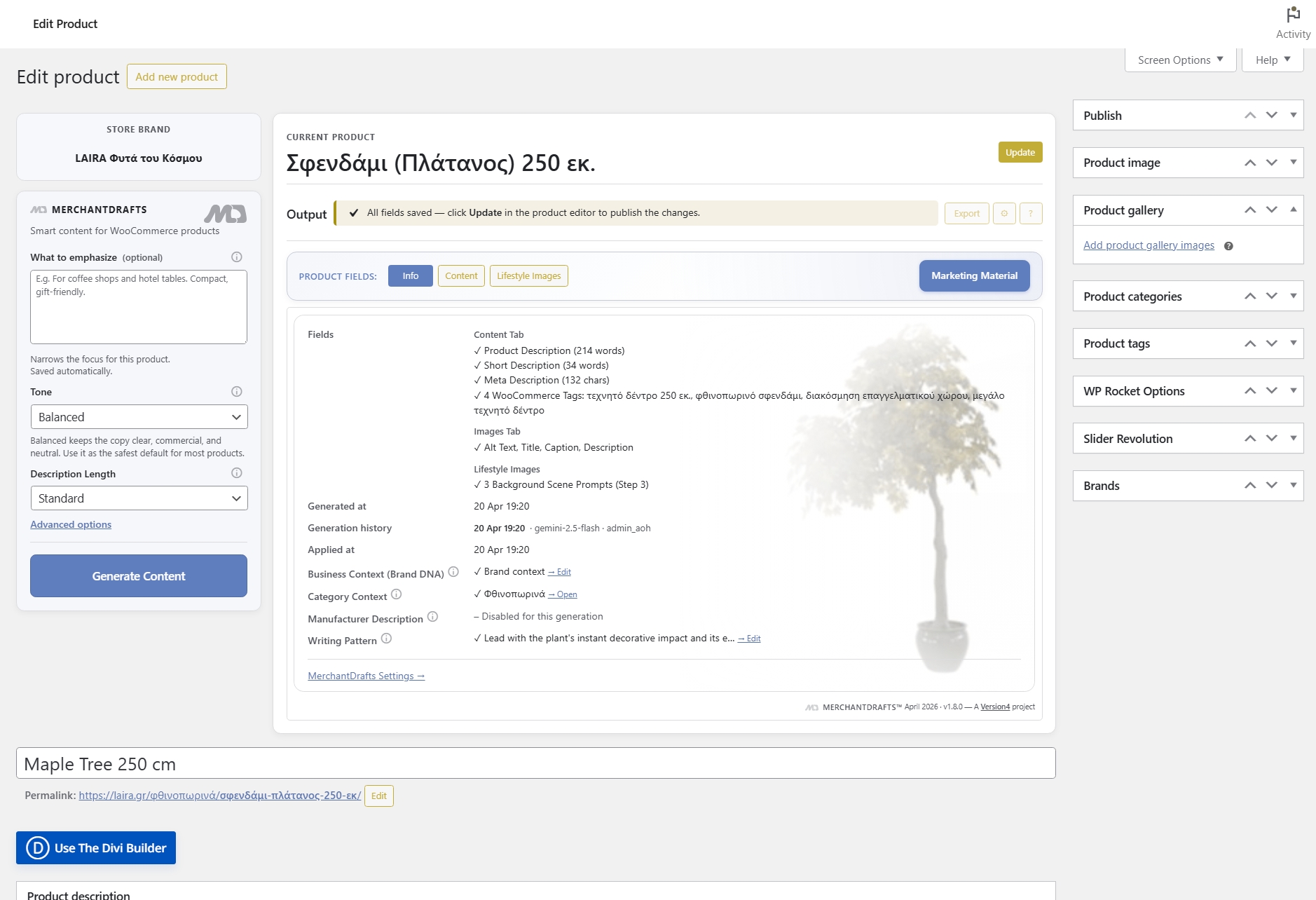
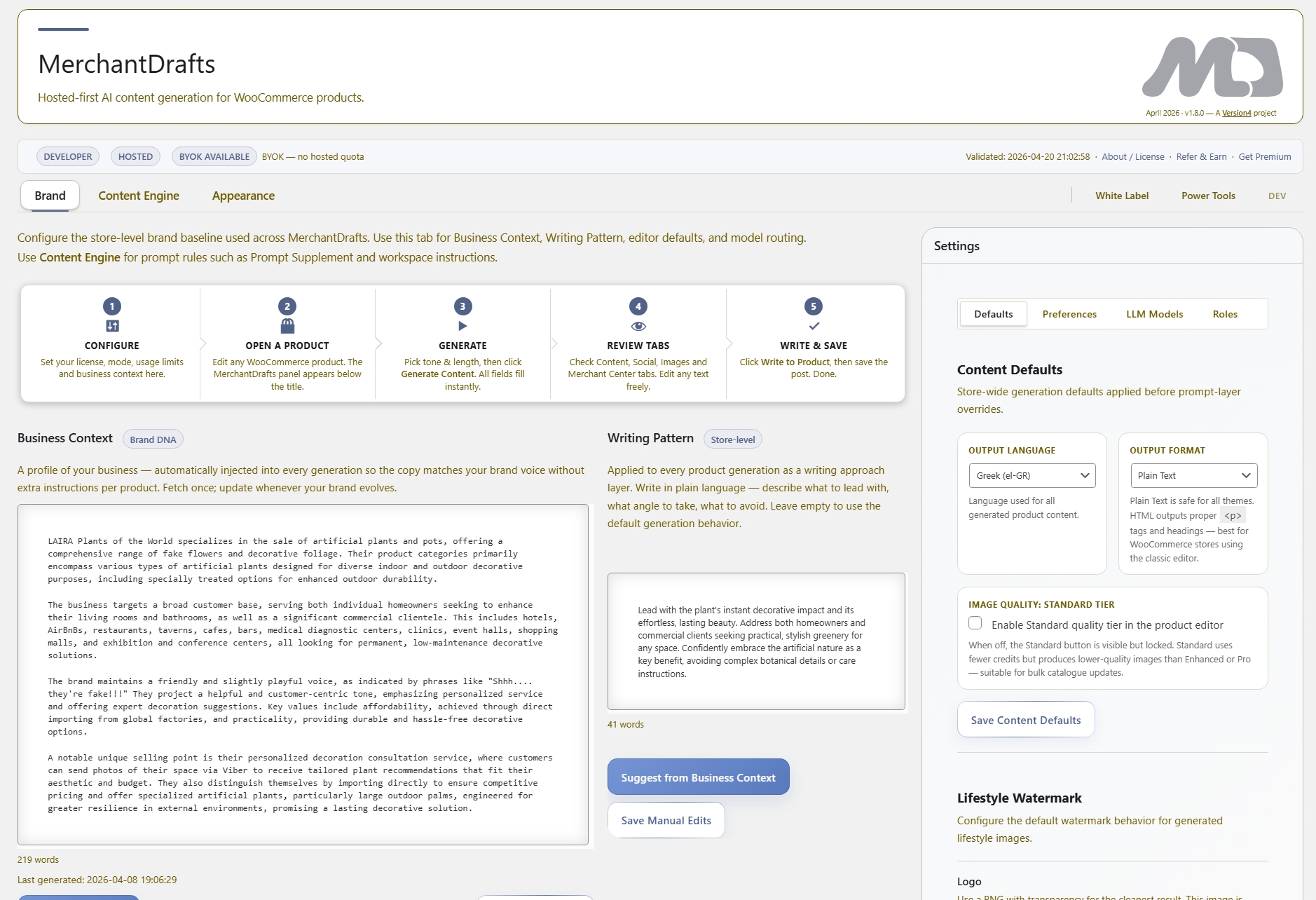
Category Context is a per-category prompt layer that tells MerchantDrafts what a WooCommerce category covers — its positioning, typical buyer, and any relevant category-level notes. When a product in that category is generated, this context is included in the prompt so the output reflects the category's scope rather than producing generic copy that could belong to any section of the catalogue. It sits above product-level context and below Business Context in the prompt stack.
01
In MerchantDrafts Settings, add a short description for each WooCommerce category — what it covers, who it's for, and any relevant positioning notes.
02
When generating a product, MerchantDrafts looks up that product's category and includes the matching Category Context in the prompt automatically.
03
Copy for a product in a specialised category sounds like it belongs there — not like a generic product description that could have been written for anything in the catalogue.
On this page
Category Context is set once per WooCommerce category in Settings. When a product in that category is generated, MerchantDrafts resolves the category and includes the matching context in the prompt automatically — so operators do not need to explain what the category is about for every individual product run.
Category scope
Describe what the WooCommerce category covers, who typically buys from it, and any relevant market or product-range notes that should shape generation for products in that section.
Automatic resolution
MerchantDrafts looks up the product's WooCommerce category and includes the matching Category Context in the prompt without any per-product manual setup from the operator.
Prompt layer position
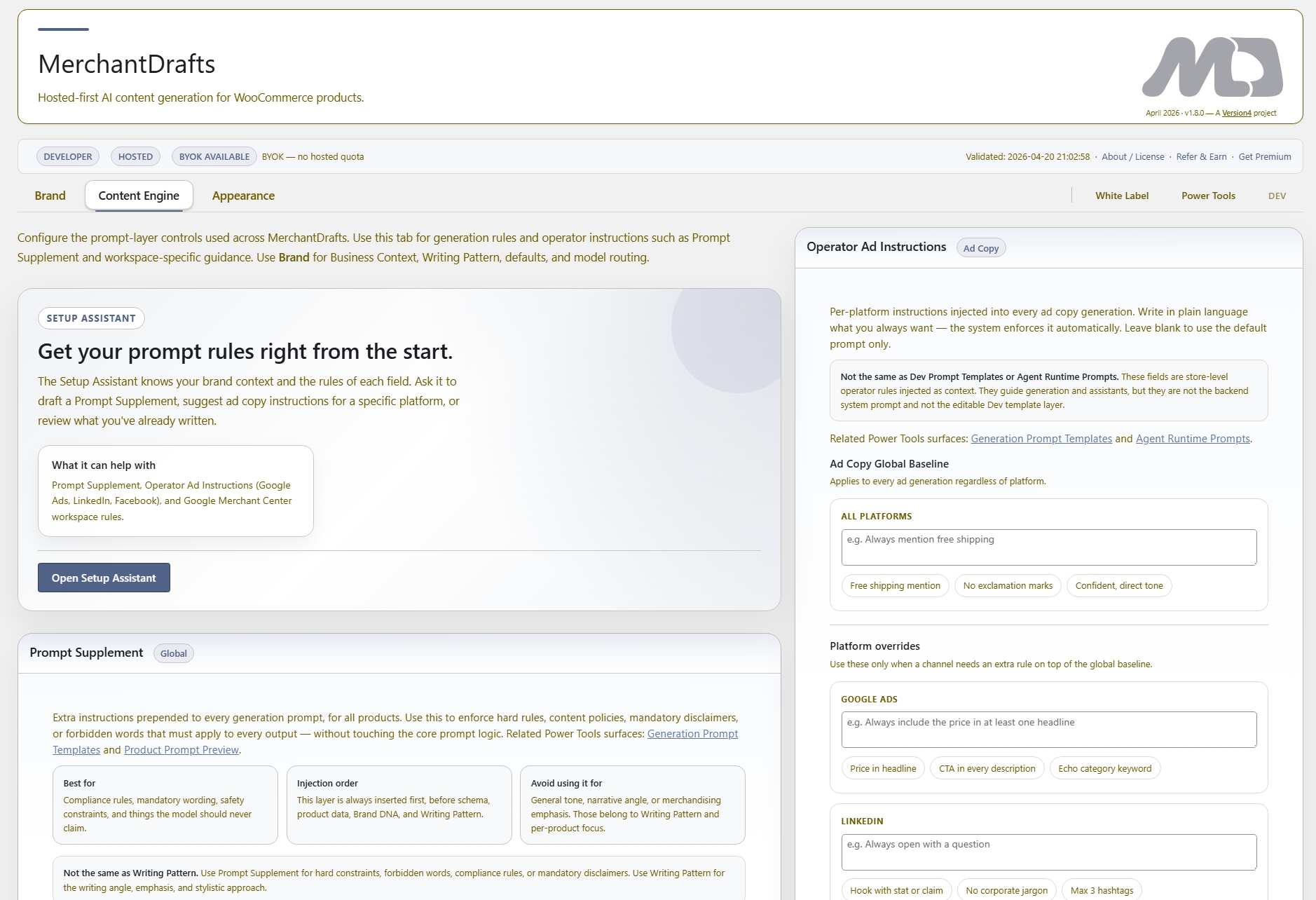
Category Context adds specificity between the store-wide baseline (Business Context) and the product-specific layer (Emphasis, Manufacturer Description), keeping output appropriately scoped to its section of the catalogue.
A brief description of the category's product range, the type of customer it serves, and any relevant market position or price-range notes that should inform copy for products in that section.
Each WooCommerce category in your store can have its own Context entry in MerchantDrafts Settings. Categories with no entry fall back to Business Context alone.
When running bulk generation in Products Workspace, Category Context is resolved for each product individually — so a mixed-category batch still gets the right context per item.
When generating category description pages directly in Categories Workspace, the same Category Context entry feeds into that generation as well.
Before
After
Category Context is optional per category — categories without it fall back to Business Context.
You do not need to fill in Category Context for every category before generating. Any category without an entry uses Business Context and Writing Pattern as the baseline.
Category Context gives every product in a specialist category a contextual edge in generation without requiring operators to explain the category for each individual run.
01
Write Category Context once in Settings per WooCommerce category. Every product generation in that category includes it automatically — no per-run input needed.
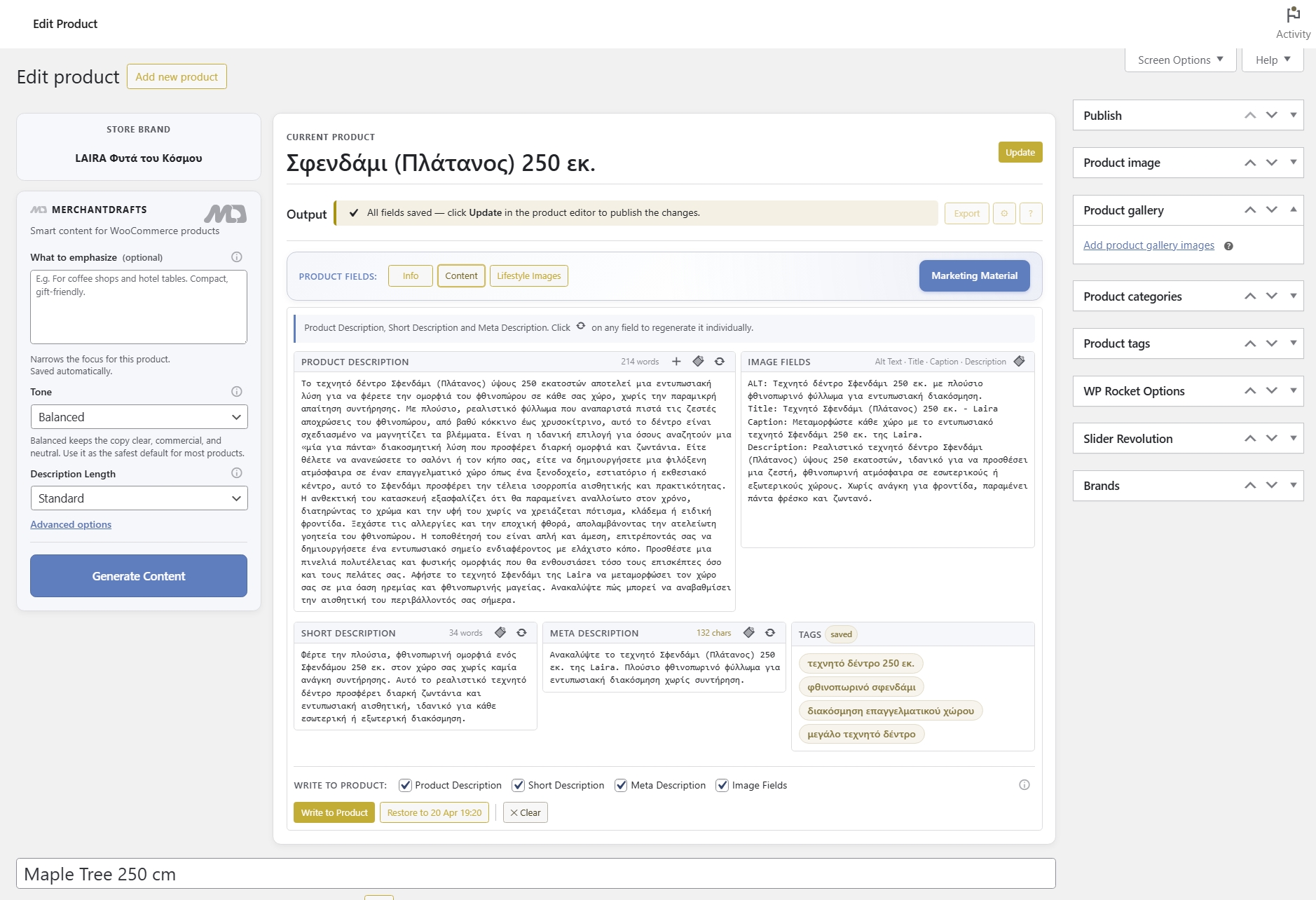
02
Products in specialist categories get output shaped by that category's context rather than generic copy that could belong to any section of the store.
03
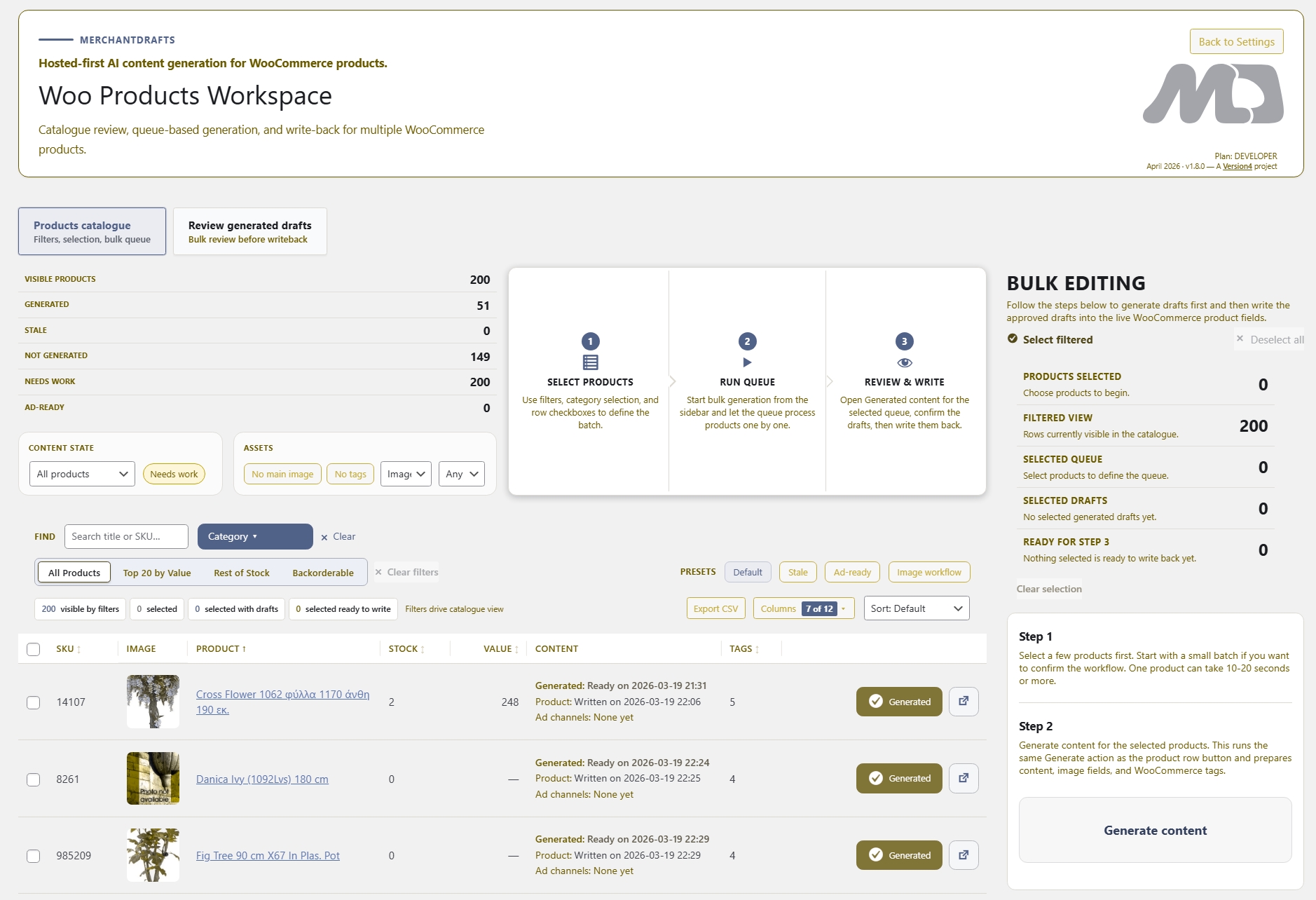
When running bulk generation across a filtered product list, each product resolves its own Category Context individually — so output stays category-appropriate across the whole batch.
04
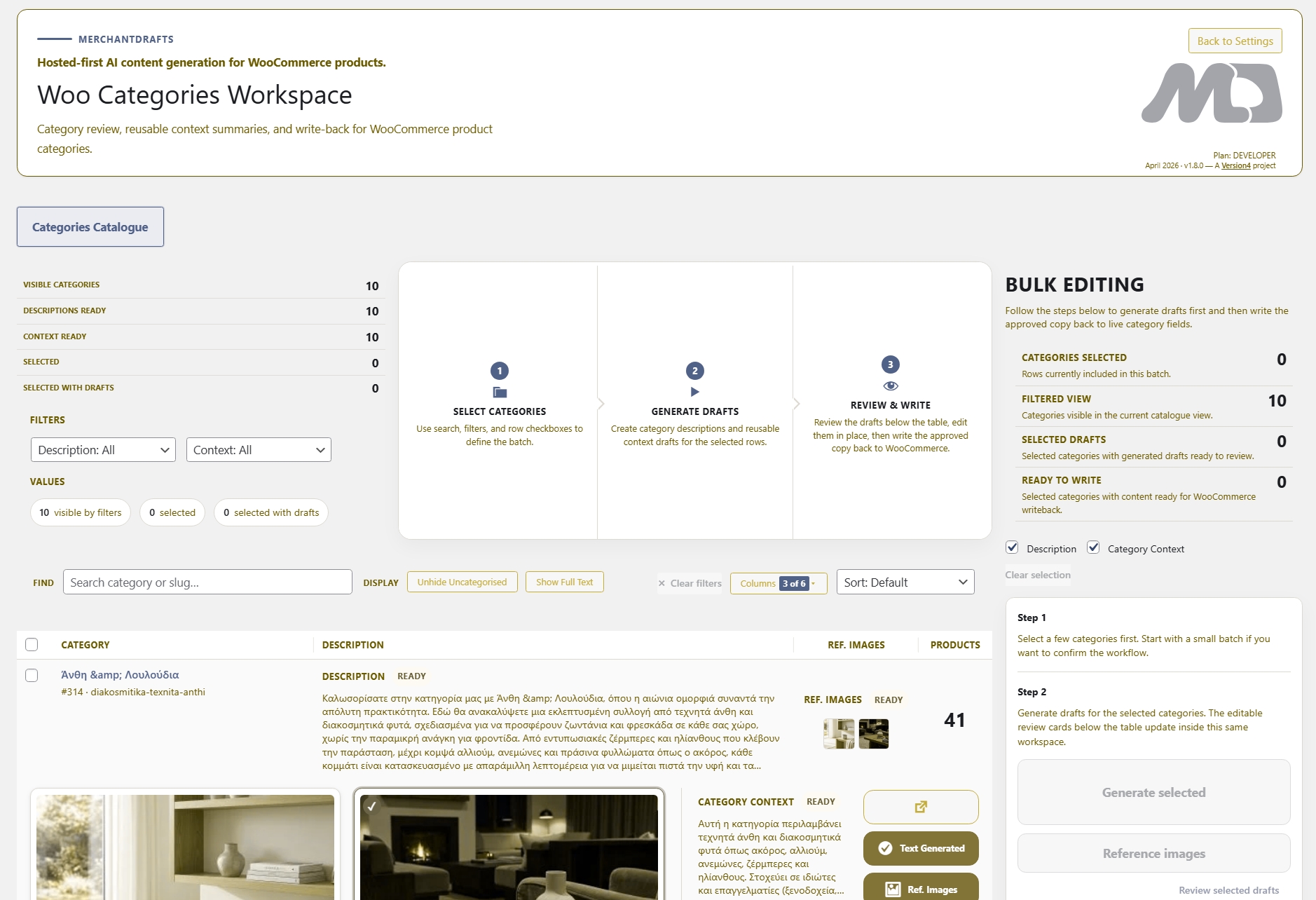
The same Category Context entry feeds directly into Categories Workspace when generating the WooCommerce category description page itself — one setup, used in both places.
05
Categories without a Context entry fall back to Business Context as the baseline. You can fill in Category Context progressively — starting with the sections of the catalogue where the distinction matters most.
06
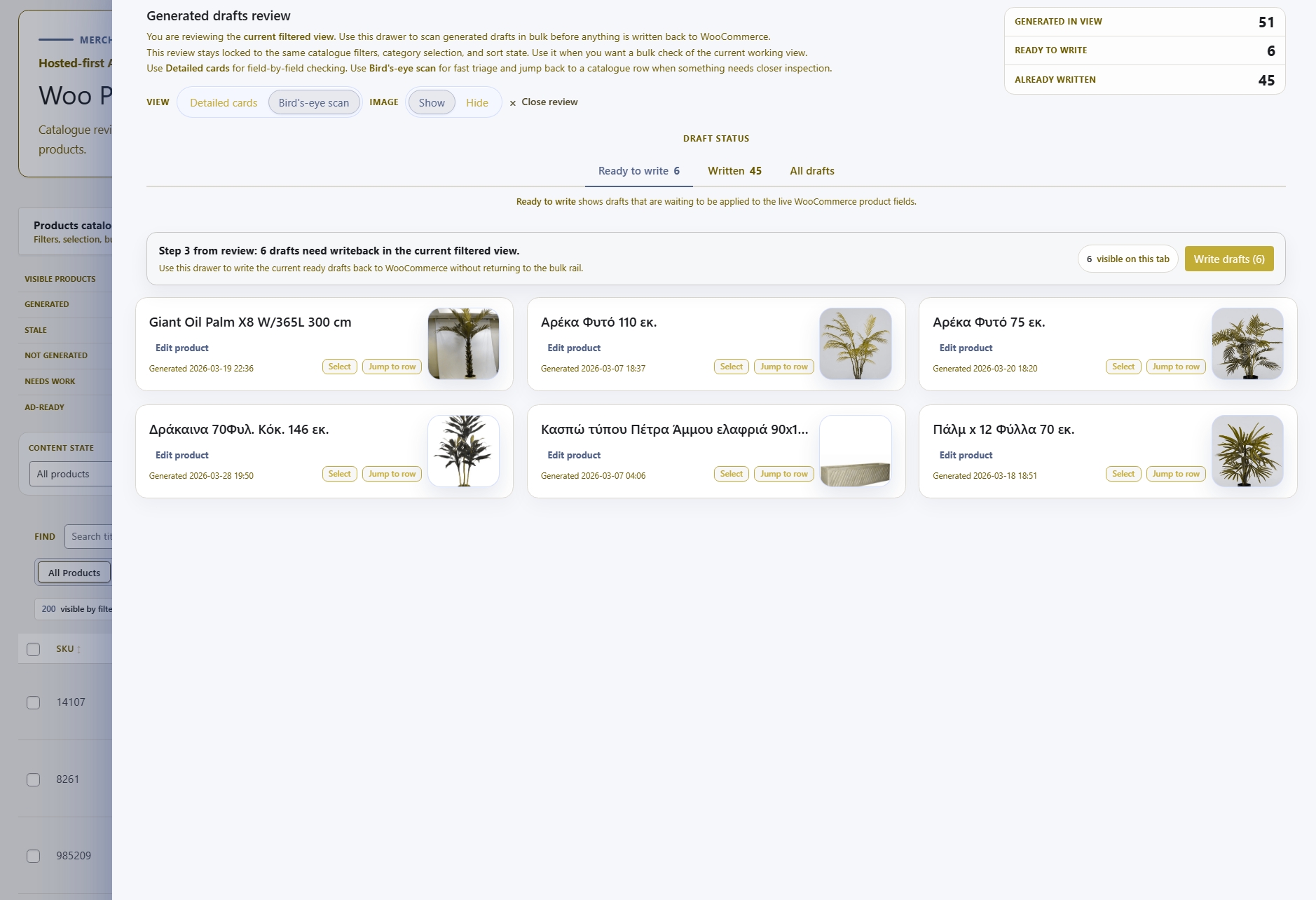
Category Context improves the quality of the generated draft — but it does not change the review-before-writeback model. Operators still approve output before anything touches live WooCommerce content.
Content Generation is one part of the MerchantDrafts workflow. These adjacent surfaces cover the jobs operators usually handle next, from promotional content and image workflows to the controls that shape output before generation.
Content
Generate platform-ready promotional copy from product context instead of rewriting the same offer for each channel.
Content
Add scene generation and product-visual workflows to the same operator process instead of handling image direction elsewhere.
Content
Use What to Emphasize, Tone, Description Length, Business Context, Category Context, Manufacturer Description, and Writing Pattern to shape output before you generate.
Intelligence
See how Business Context, Writing Pattern, and related control layers shape output across the site.