Paid & organic ads
Ad copy for product promotions
Generate headlines, short-form ad text, and offer hooks from product data — ready to adapt for Google, Meta, or similar platforms.
When a product needs campaign, social, or channel copy, MerchantDrafts can carry forward the WooCommerce record and shared context rather than making operators rebuild the brief from scratch. These outputs support the catalogue workflow; they do not replace it.
01
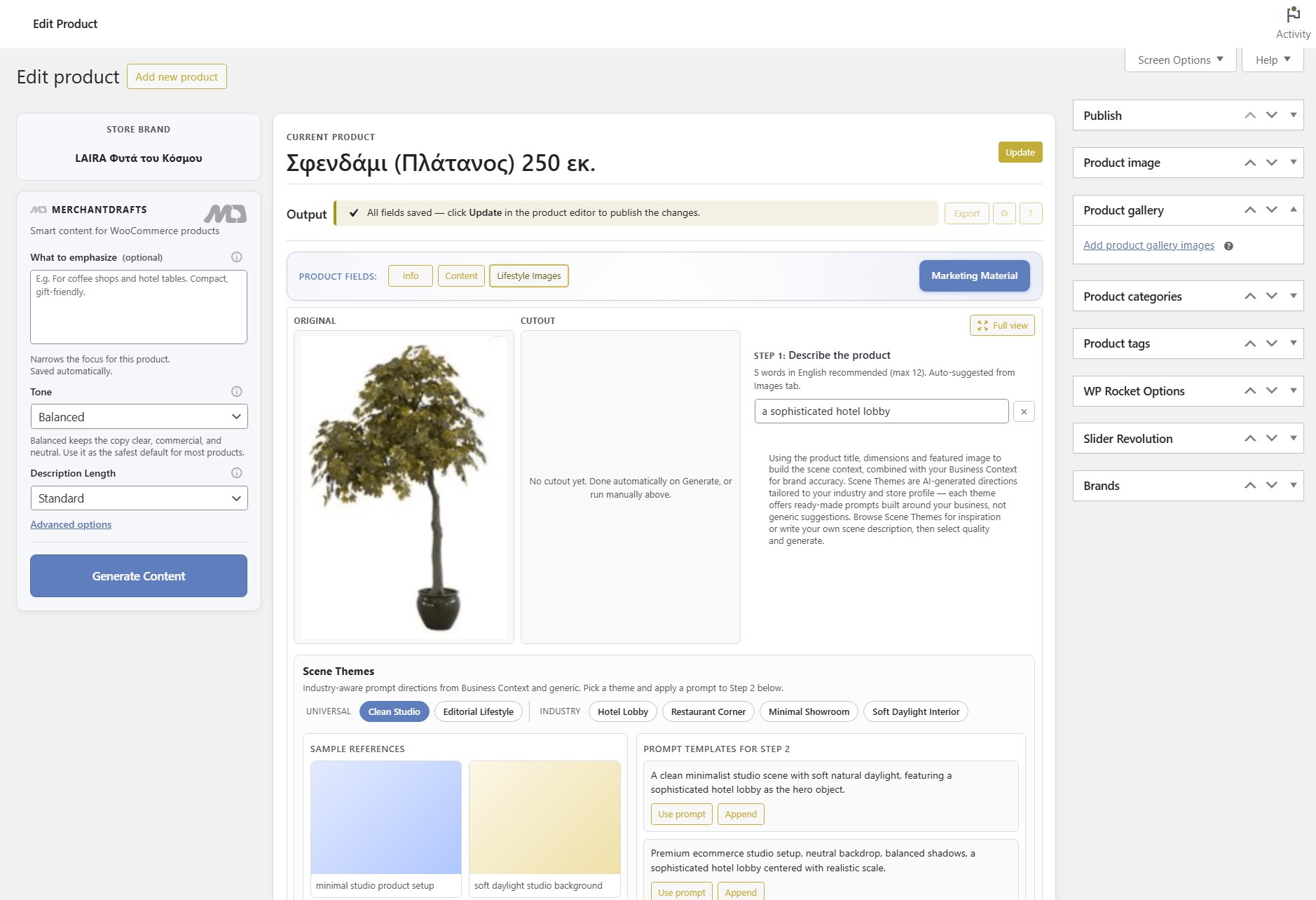
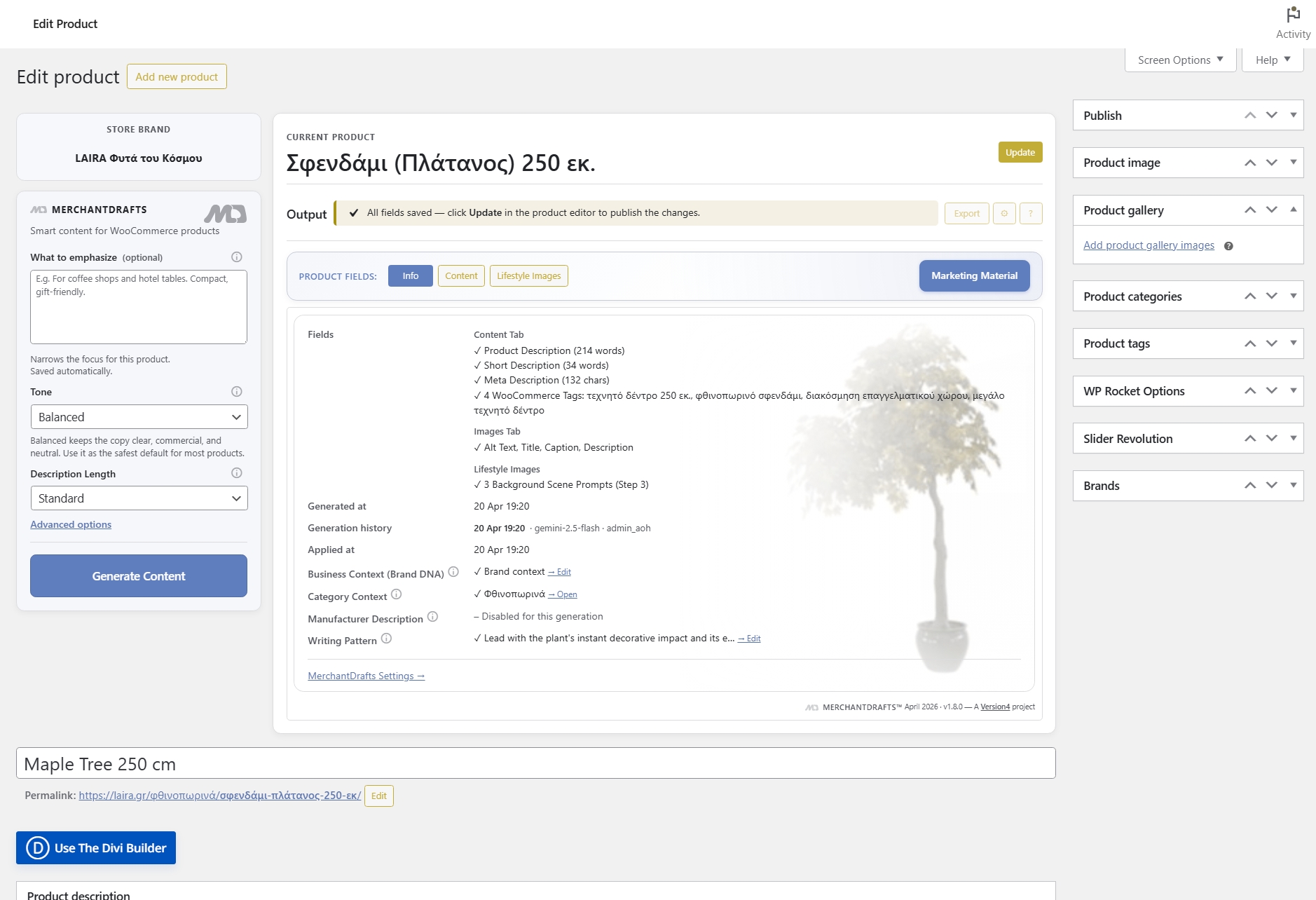
Open a WooCommerce product and go to the Marketing Material tab — the product context is already loaded for you.
02
Select the channel format — ad, social, email, or campaign hook — and run generation using the product data and your store context.
03
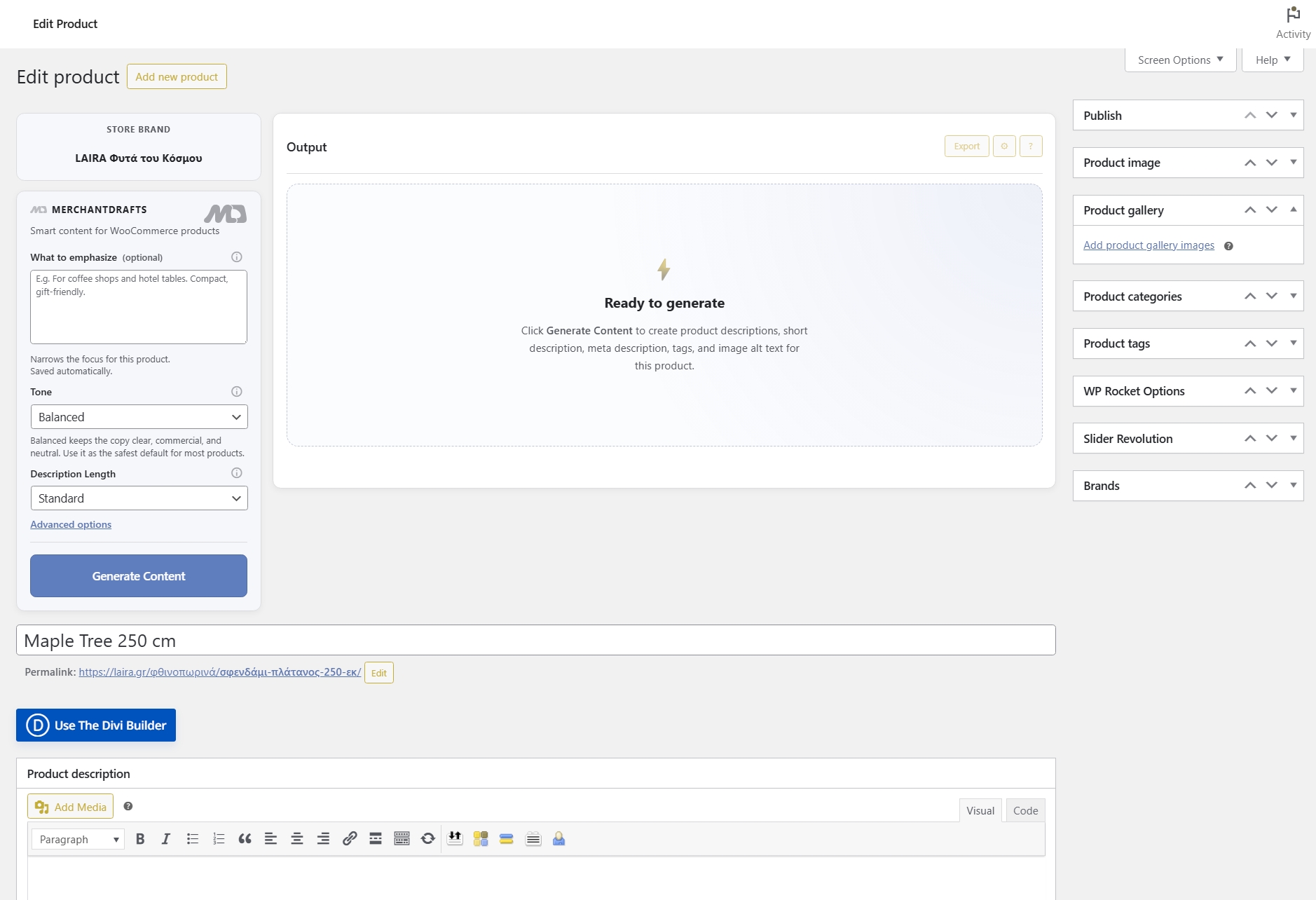
Check the generated copy, refine if needed, and approve before sending to any channel. Nothing is published automatically.
On this page
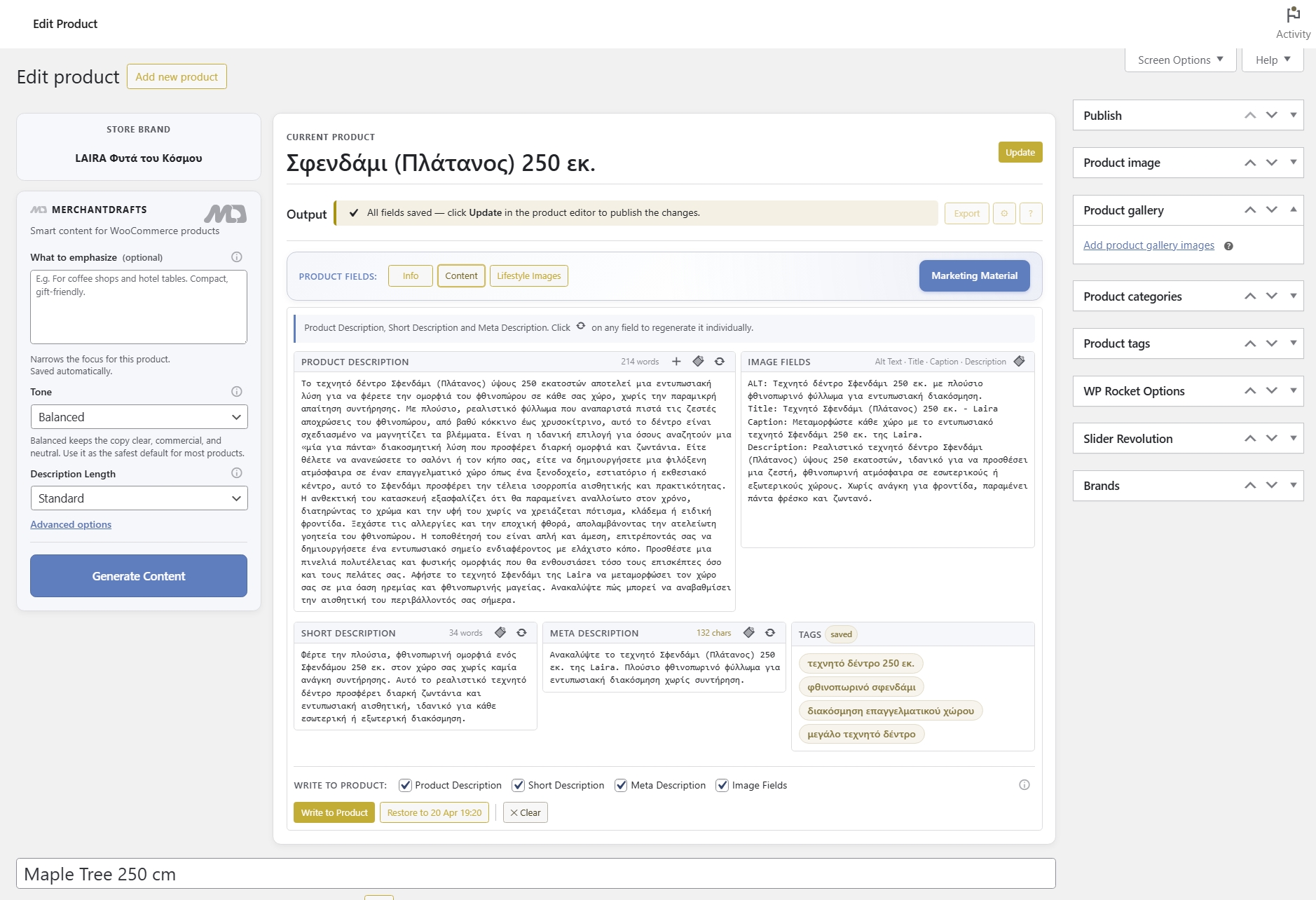
MerchantDrafts generates promotional copy for the channels operators actually use — ad platforms, social, and email — using the product data already in WooCommerce and the store context you have set up. The Marketing Material tab works alongside Content Generation and Lifestyle Images, while generation and approval stay separate so nothing reaches a channel until you decide.
Paid & organic ads
Generate headlines, short-form ad text, and offer hooks from product data — ready to adapt for Google, Meta, or similar platforms.
Social content
Generate social captions and short-form posts shaped by the product context and your store voice, without rewriting the product brief each time.
Email & campaigns
Produce email body copy, subject-line options, and campaign hooks from the same product context used for all other generation outputs.
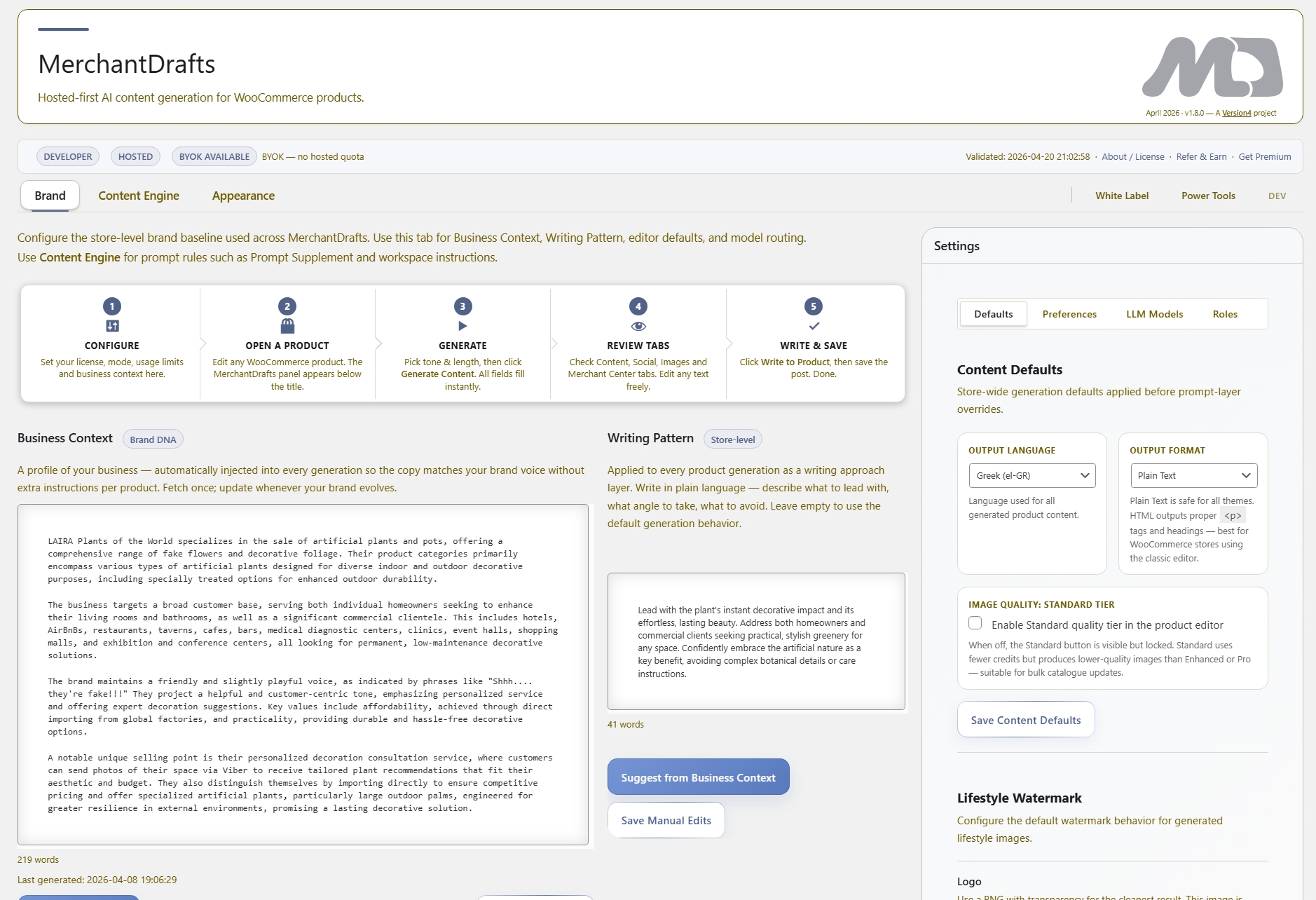
Your brand voice, positioning, and audience. Applied to every marketing output so copy stays on-brand across channels.
Store-level style rules — sentence rhythm, vocabulary register, and structural preferences applied to channel copy.
Control the overall tone and what the copy emphasises — product features, offer urgency, or category positioning.
What to Emphasize, Category Context, and Manufacturer Description keep promotional copy grounded in the specific product.
Before
After
Generation is not channel publishing.
MerchantDrafts keeps marketing copy generation and channel use separate — outputs are staged for review before any copy reaches a live channel.
MerchantDrafts removes the manual step of reformatting the same product brief into different channel formats — generating promotional copy from the product context already in WooCommerce, with review before any copy goes anywhere.
01
Generate ad copy, social captions, and email snippets from the product context already loaded — without rewriting the same product brief for each format or channel.
02
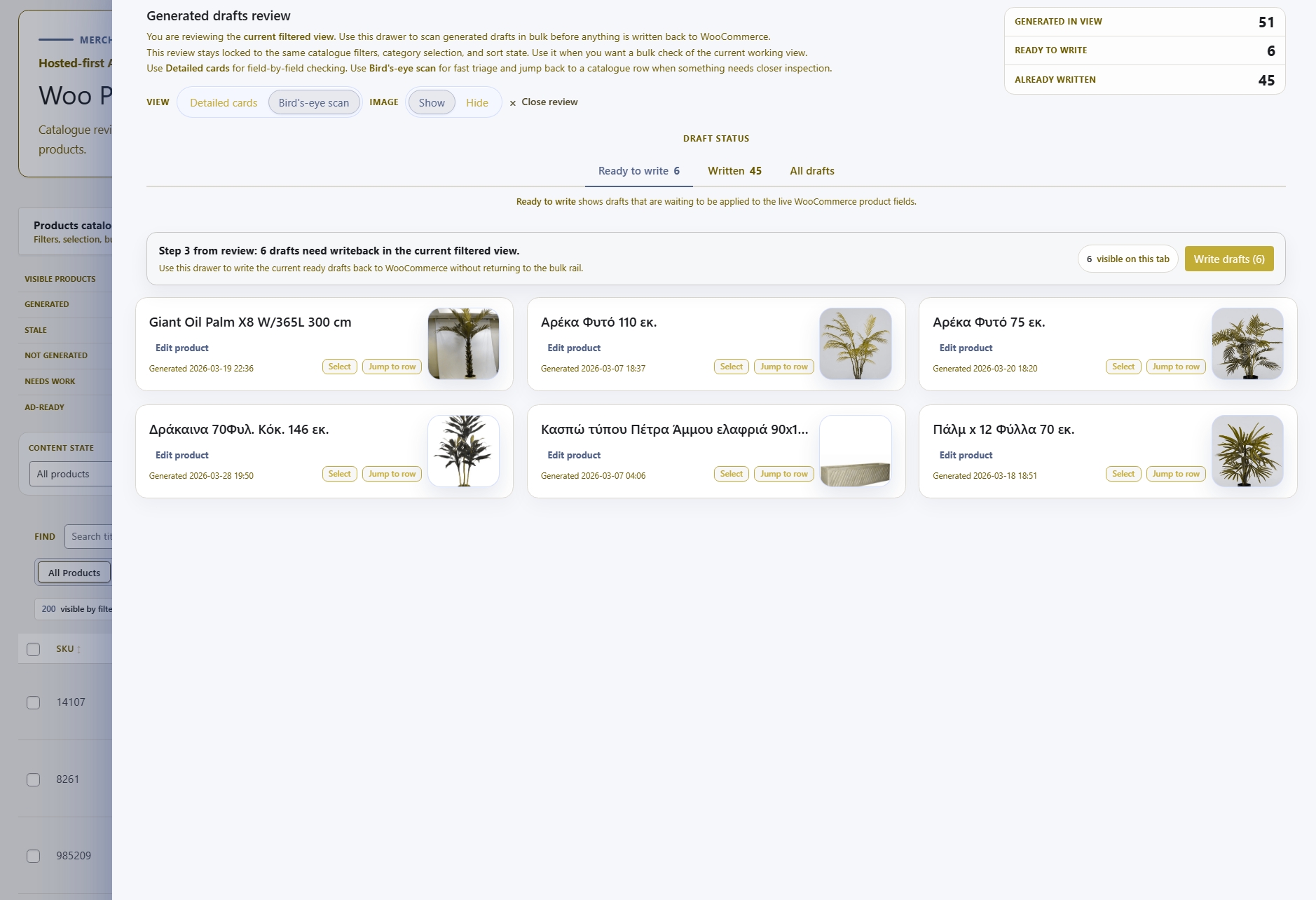
Marketing copy is staged for review before it reaches any channel — generation and approval are separate steps so operators decide what goes live.
03
Business Context and Writing Pattern apply to marketing copy the same way they apply to product descriptions — so ad text and social posts stay on-brand without manual correction.
04
Generate ad headlines, social captions, and email snippets together from the same product context — not as separate copy jobs in separate tools.
05
Run the marketing copy workflow from inside WordPress — no external tool, no copy-pasting product data into a separate AI interface.
06
Marketing Material sits alongside Content Generation and Lifestyle Images in the same product editor session — operators handle product copy and promotional copy in one place.
Marketing Material is one part of the MerchantDrafts workflow. These adjacent surfaces cover the jobs operators usually handle in the same product session.
Content
Generate product titles, descriptions, image metadata, and tags in the same product editor session.
Content
Set up lifestyle scenes with real operator control — scene setup, prompt shaping, and review before gallery attach.
Content
Use What to Emphasize, Tone, Business Context, Category Context, and Writing Pattern to shape output before you generate.
Intelligence
See how Business Context, Writing Pattern, and related control layers shape output across the site.