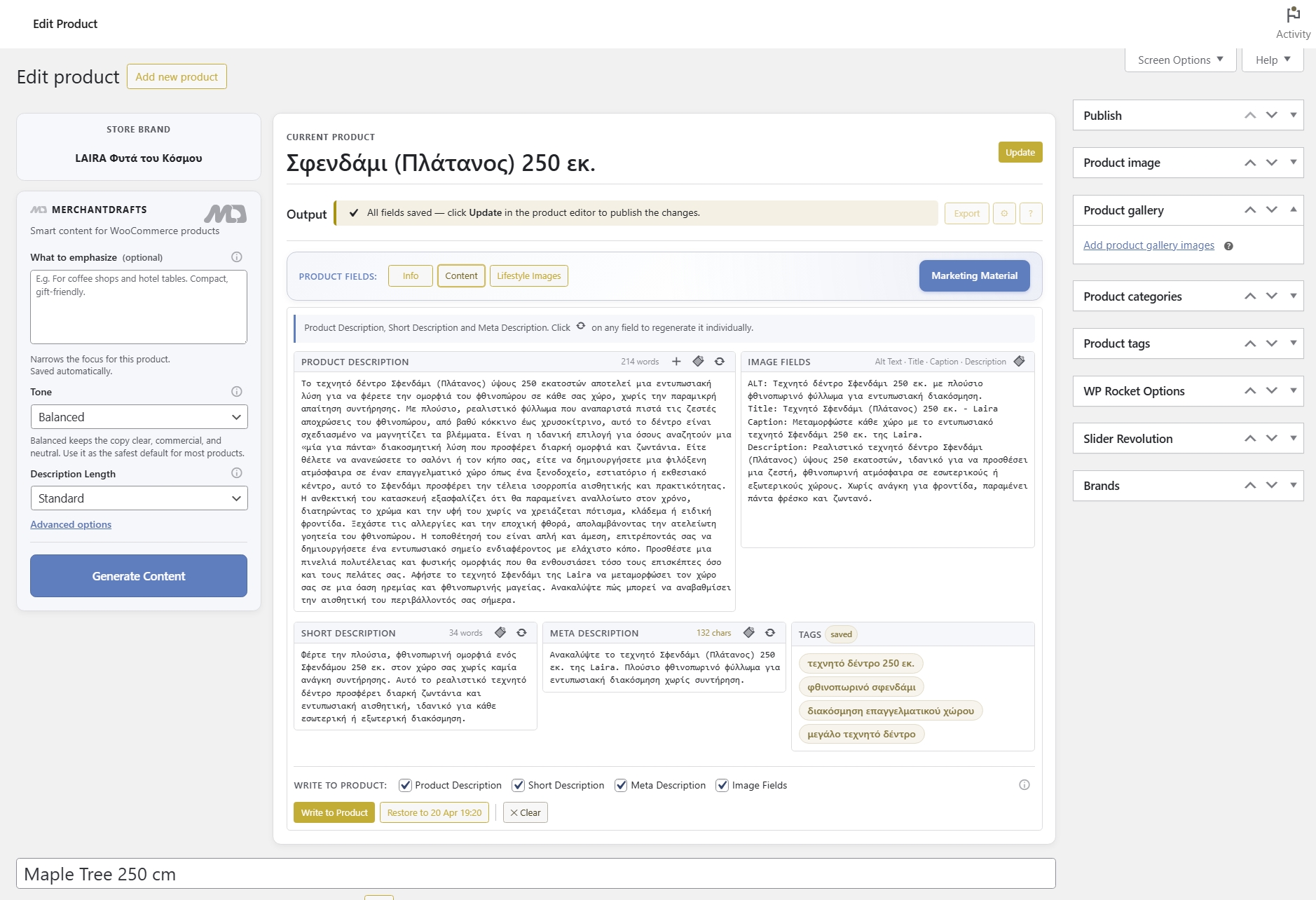
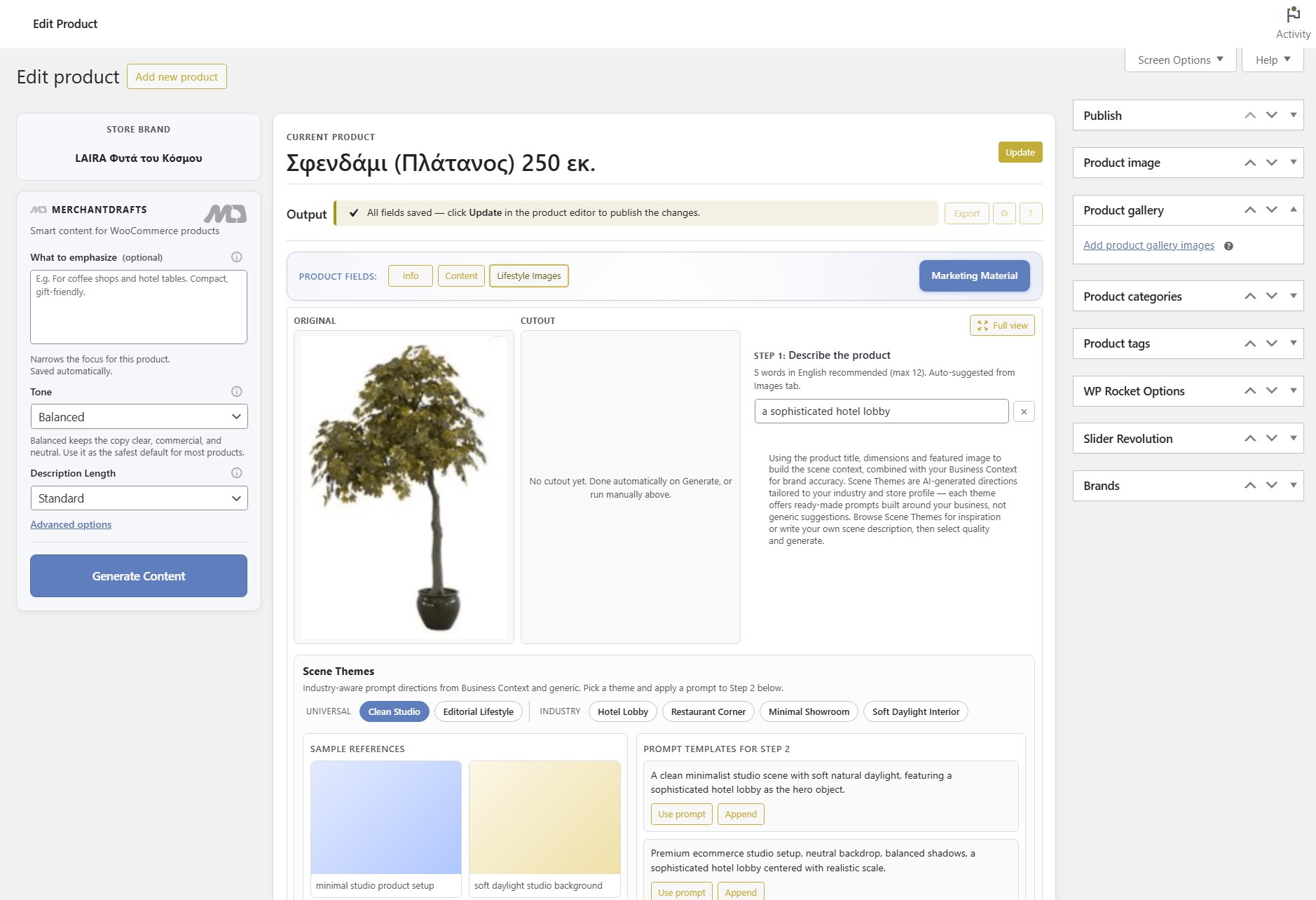
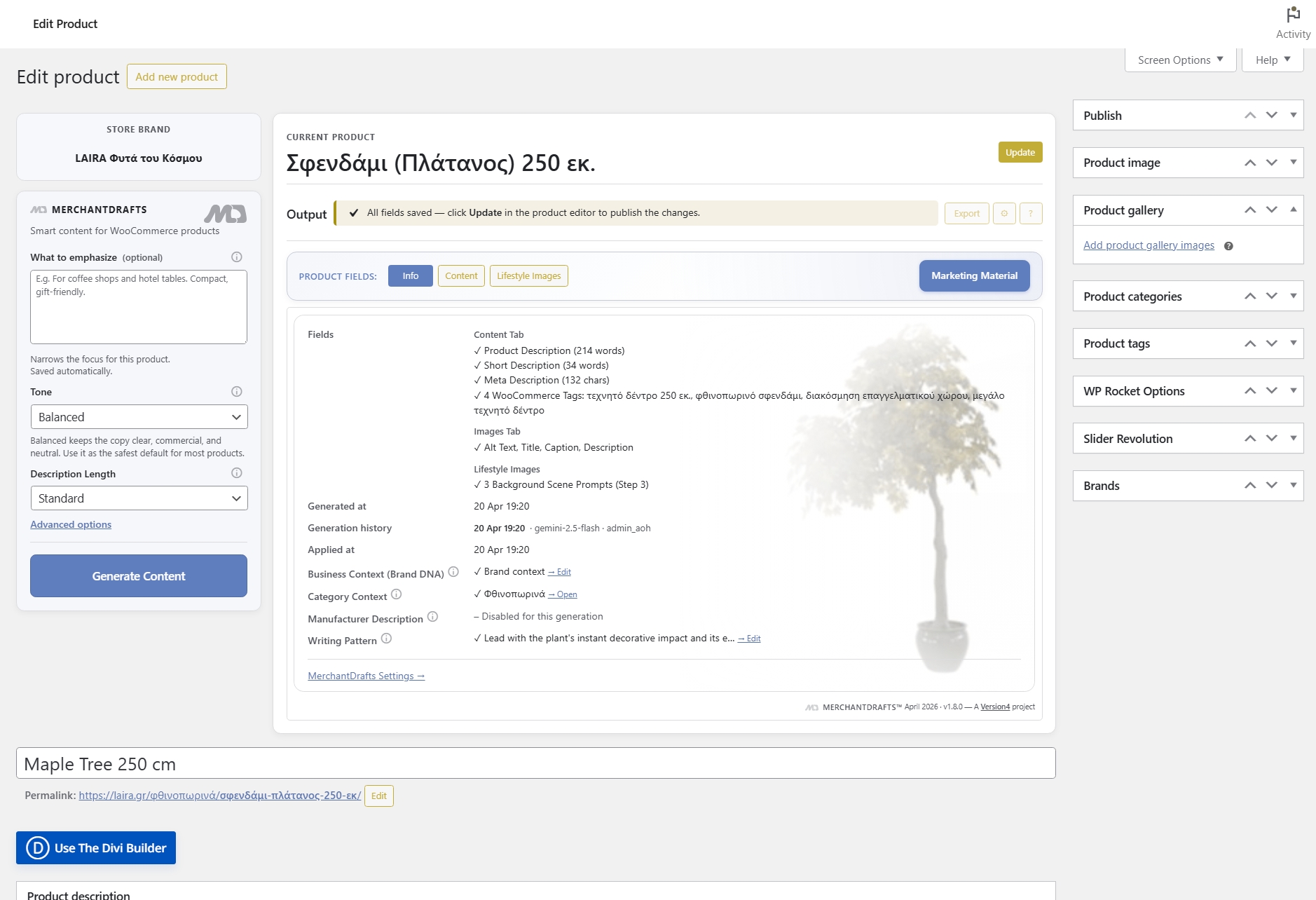
Product gaps
Missing descriptions, images, and tags
Surface every product missing a long description, short description, meta description, image alt text, or product tags in a single filterable list.
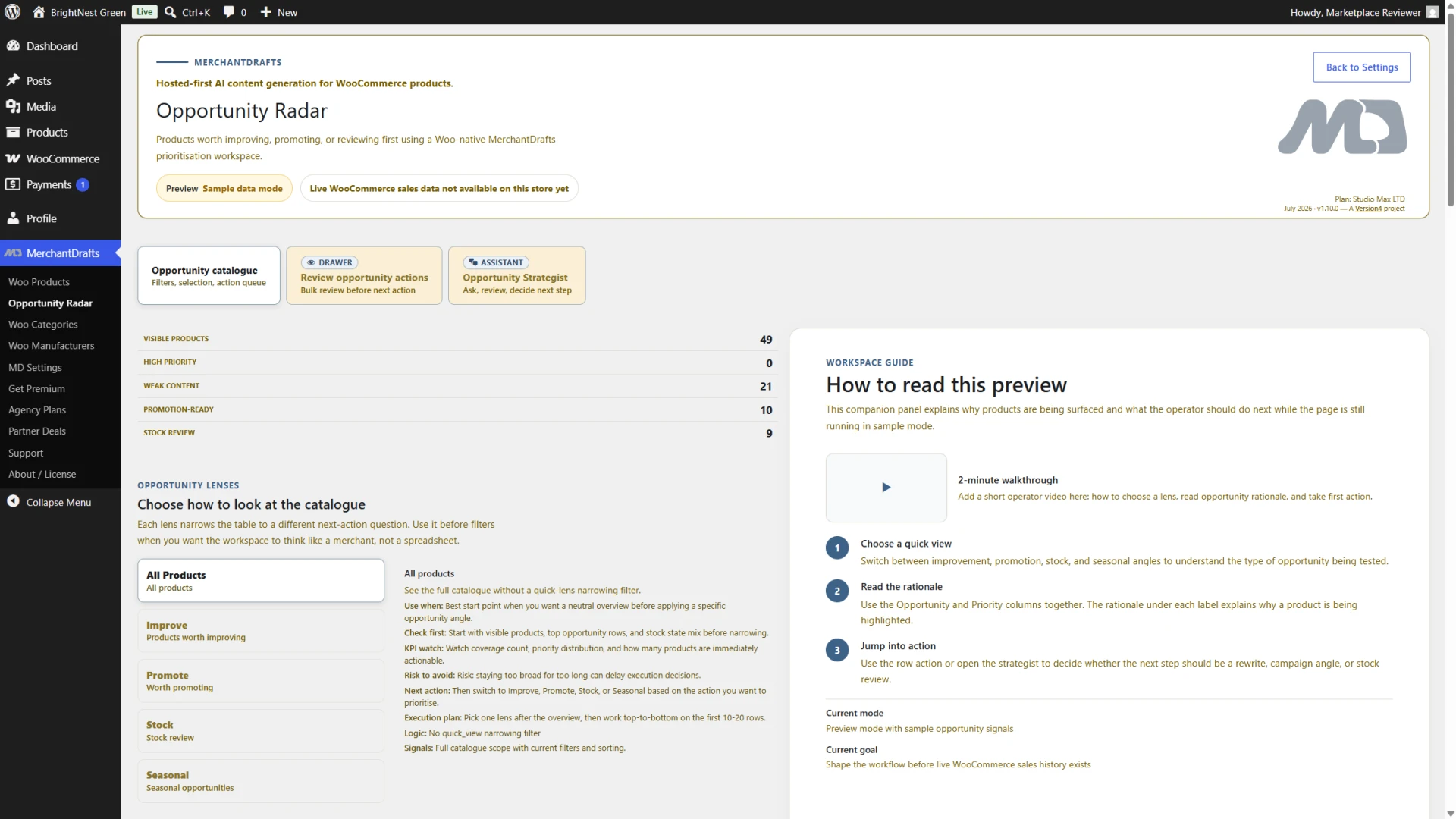
Opportunity Radar gives operators a structured way to explore content coverage signals across products, categories, and manufacturers before opening a workspace. Use it as a prioritisation aid for the next catalogue task; its sample and preview states should be interpreted in the context of the connected store.
01
Opportunity Radar analyses the live WooCommerce catalogue and surfaces every product, category, and manufacturer entry with a content gap or missing field.
02
Filter the gap list by category, field type, or severity so you work the highest-impact coverage holes before the lower-priority ones.
03
Select a gap group and move directly into the Products, Categories, or Manufacturers Workspace to generate content for those entries in one step.
On this page
Opportunity Radar scans the live WooCommerce store and returns a gap report across products, categories, and manufacturers — broken down by field type. Instead of discovering missing content reactively, operators get a full picture of where the catalogue is incomplete and can act on the highest-priority gaps first.
Product gaps
Surface every product missing a long description, short description, meta description, image alt text, or product tags in a single filterable list.
Taxonomy gaps
Identify WooCommerce categories and manufacturer entries with no description so taxonomy content gaps are surfaced alongside product gaps in the same report.
Workspace handoff
Select a gap group from the Radar view and open the relevant workspace — Products, Categories, or Manufacturers — with that group already loaded as the generation queue.
Filter the Radar report by field type — descriptions, image metadata, tags — to focus on one content coverage job at a time.
Narrow the gap list to a specific WooCommerce category or manufacturer so coverage work stays scoped to one area of the catalogue at a time.
See total gap counts across the catalogue at a glance so operators can plan generation sessions before opening a workspace queue.
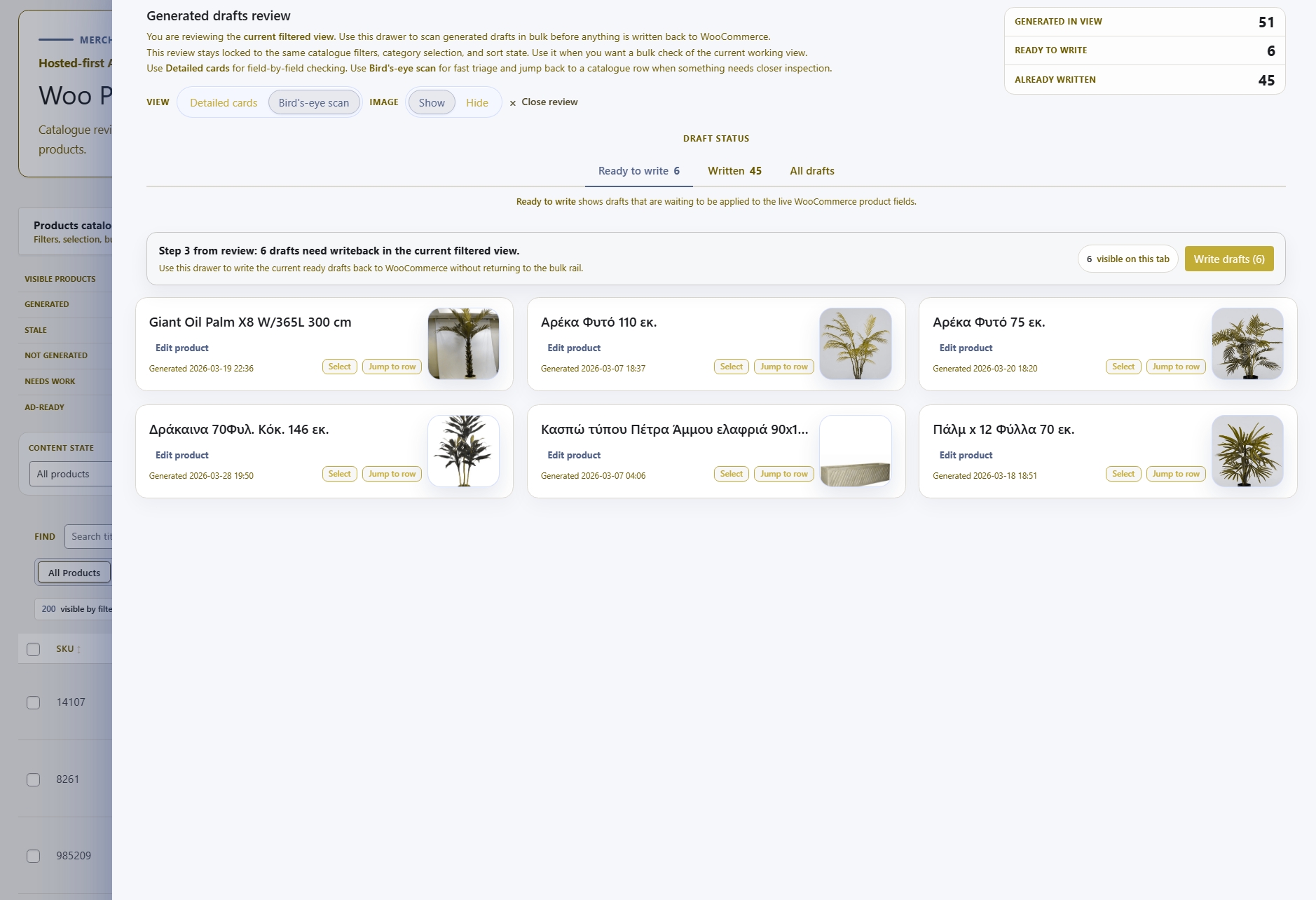
Move from a gap group in the Radar directly into the relevant workspace with the affected entries pre-loaded as the generation queue — no manual re-filtering needed.
Before
After
Radar surfaces gaps. Workspaces fix them.
Opportunity Radar does not generate content itself — it gives operators the catalogue overview needed to direct generation effort to where it matters most before opening a workspace.
Opportunity Radar is designed for the operator who needs to understand the scale of the catalogue's content gap before committing to a workspace batch. See what's missing, prioritise the jobs, and move directly into generation.
01
See the complete picture of what the WooCommerce catalogue is missing — across products, categories, and manufacturers — without manually auditing individual entries or building a spreadsheet.
02
Narrow the gap list by field type, category, or manufacturer so each generation session is focused on the highest-priority coverage holes rather than the full catalogue at once.
03
Select a gap group in the Radar and open the relevant workspace — Products, Categories, or Manufacturers — with those entries already loaded as the generation queue, ready to run.
04
Opportunity Radar surfaces gaps across all three content layers in one report — not just product descriptions but also empty category pages and manufacturer entries with no copy.
05
The Radar reads the live WooCommerce store so the gap report reflects the actual current state of the catalogue — not a cached export from last week.
06
Replace the habit of scrolling through WooCommerce lists looking for empty fields with a structured gap report that surfaces every coverage hole automatically.
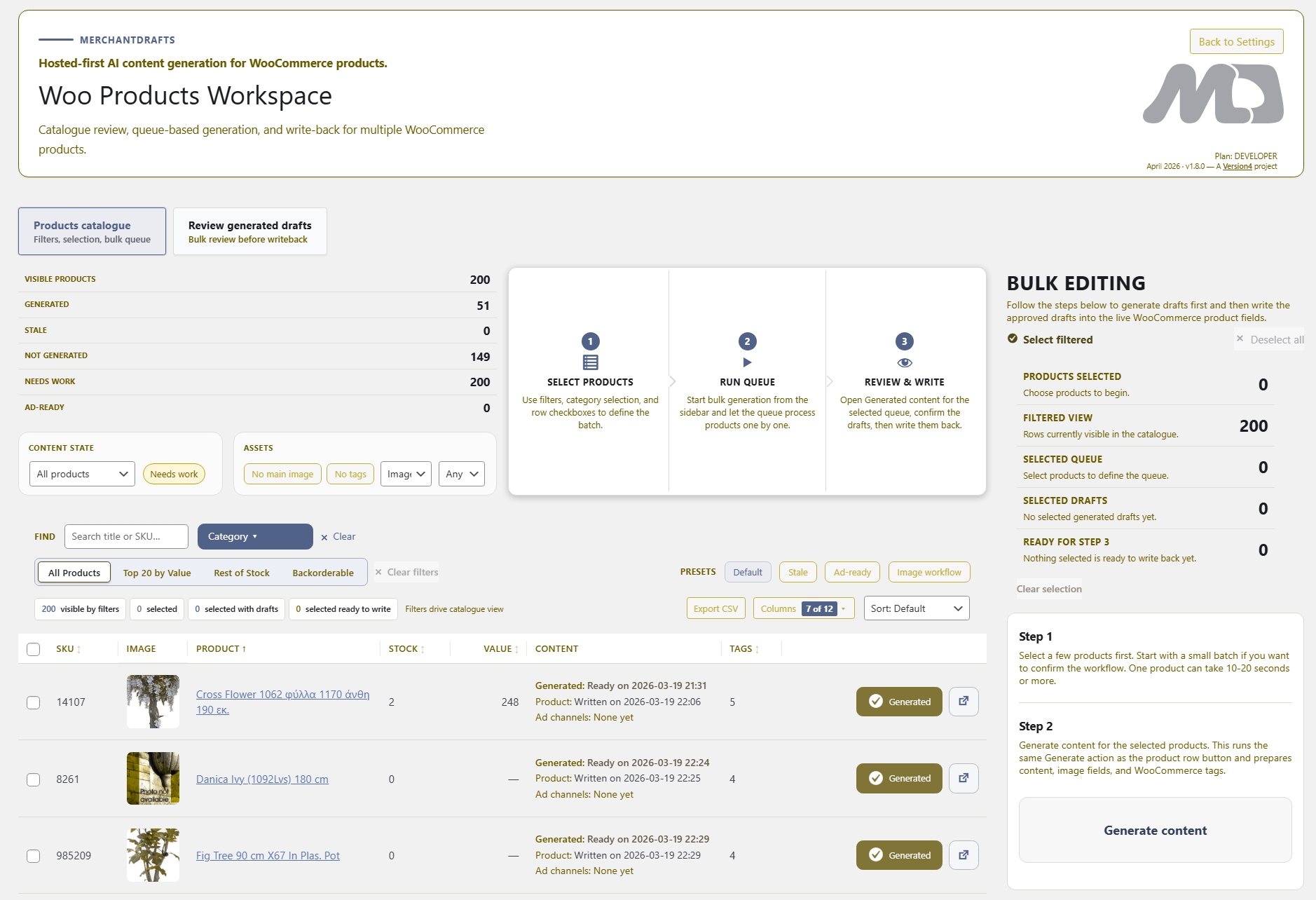
After identifying gaps in the Radar, operators move into one of these generation workspaces to address the coverage holes. Each workspace follows the same filter-generate-review-writeback model.
Operate
Generate product descriptions, metadata, and image fields in batch across the products the Radar identified as missing content.
Operate
Generate category descriptions for the taxonomy entries the Radar flagged as empty or incomplete.
Operate
Generate manufacturer brand page copy for the brands the Radar surfaced as missing descriptions.
Generate
Use the single-product content generation flow when a specific gap only needs one product addressed rather than a full workspace batch.