
Brand positioning
Manufacturer brand and product range notes
Describe the manufacturer's brand positioning, product line intent, and any terminology or messaging notes relevant to how their products should be presented.
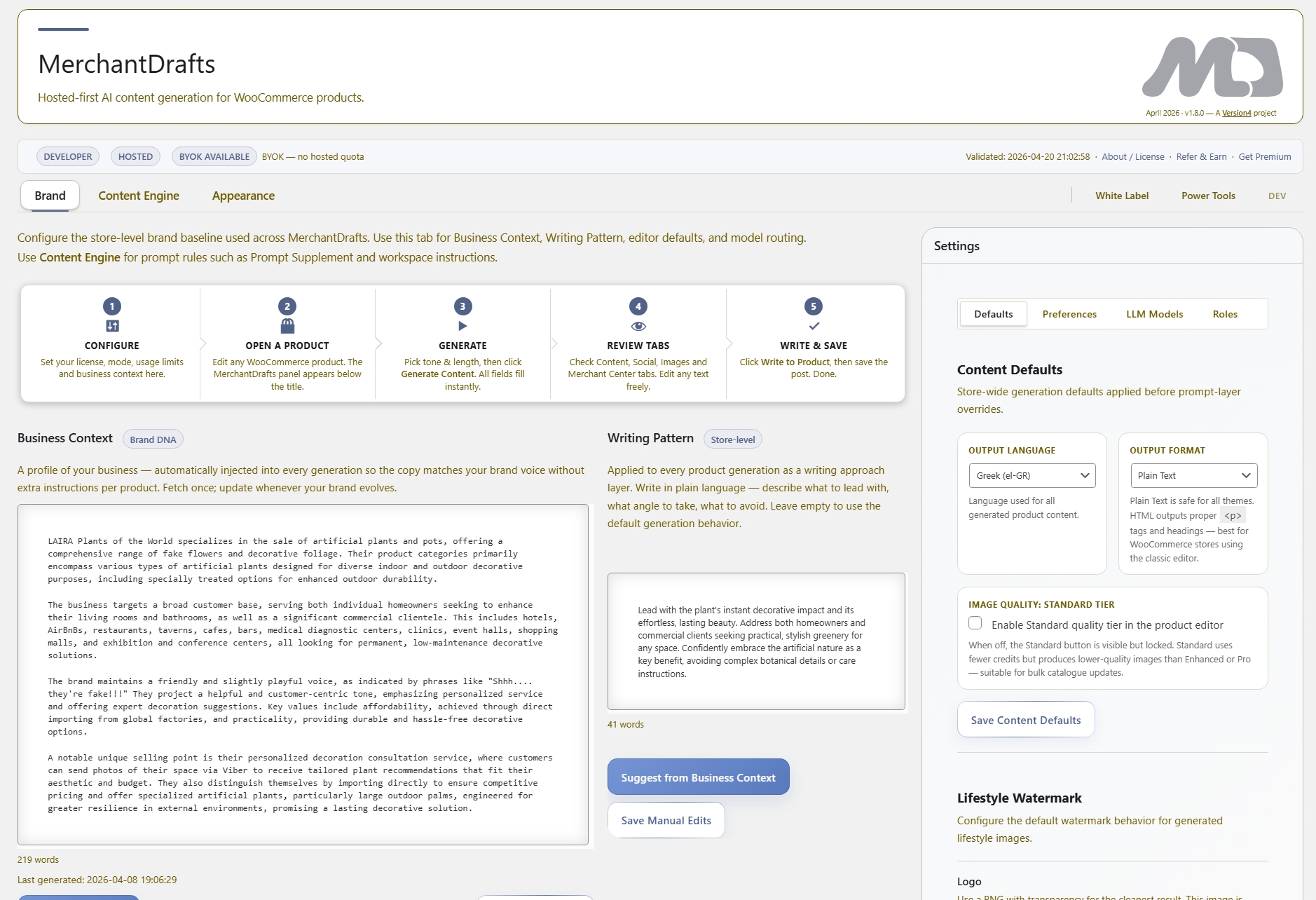
Manufacturer Description is a product-level prompt layer stored in MerchantDrafts Settings against each WooCommerce manufacturer. It passes brand positioning, technical notes, and product line context from the manufacturer directly into the generation context — so the AI can work with accurate manufacturer detail without the operator manually briefing it each time. It sits above product-level context and below Business Context in the prompt stack.
01
Open MerchantDrafts Settings and add a Manufacturer Description for each brand you stock — covering positioning, product range, and any technical notes relevant to generation.
02
When a product is generated, MerchantDrafts reads the manufacturer linked in WooCommerce and pulls the matching Manufacturer Description into the prompt context automatically.
03
The generated content incorporates the manufacturer's brand positioning and product notes without the operator repeating that briefing for every product in the range.
On this page
Manufacturer Description is stored once per manufacturer in Settings. When generation runs for a product linked to that manufacturer in WooCommerce, the description is resolved and included in the prompt automatically — alongside Business Context, Category Context, and Writing Pattern.
Brand positioning
Describe the manufacturer's brand positioning, product line intent, and any terminology or messaging notes relevant to how their products should be presented.
Automatic resolution
MerchantDrafts reads the WooCommerce manufacturer taxonomy linked to each product and pulls the matching description into the prompt — no manual step required.
Prompt layer position
Manufacturer Description narrows the generation context below the store-wide Business Context and above individual product emphasis notes in the prompt stack.
Describe the manufacturer's brand story, quality tier, product range focus, and any terminology the brand uses that should appear in product copy.
One entry per manufacturer in Settings covers every product linked to that manufacturer in WooCommerce — no duplication across individual product records.
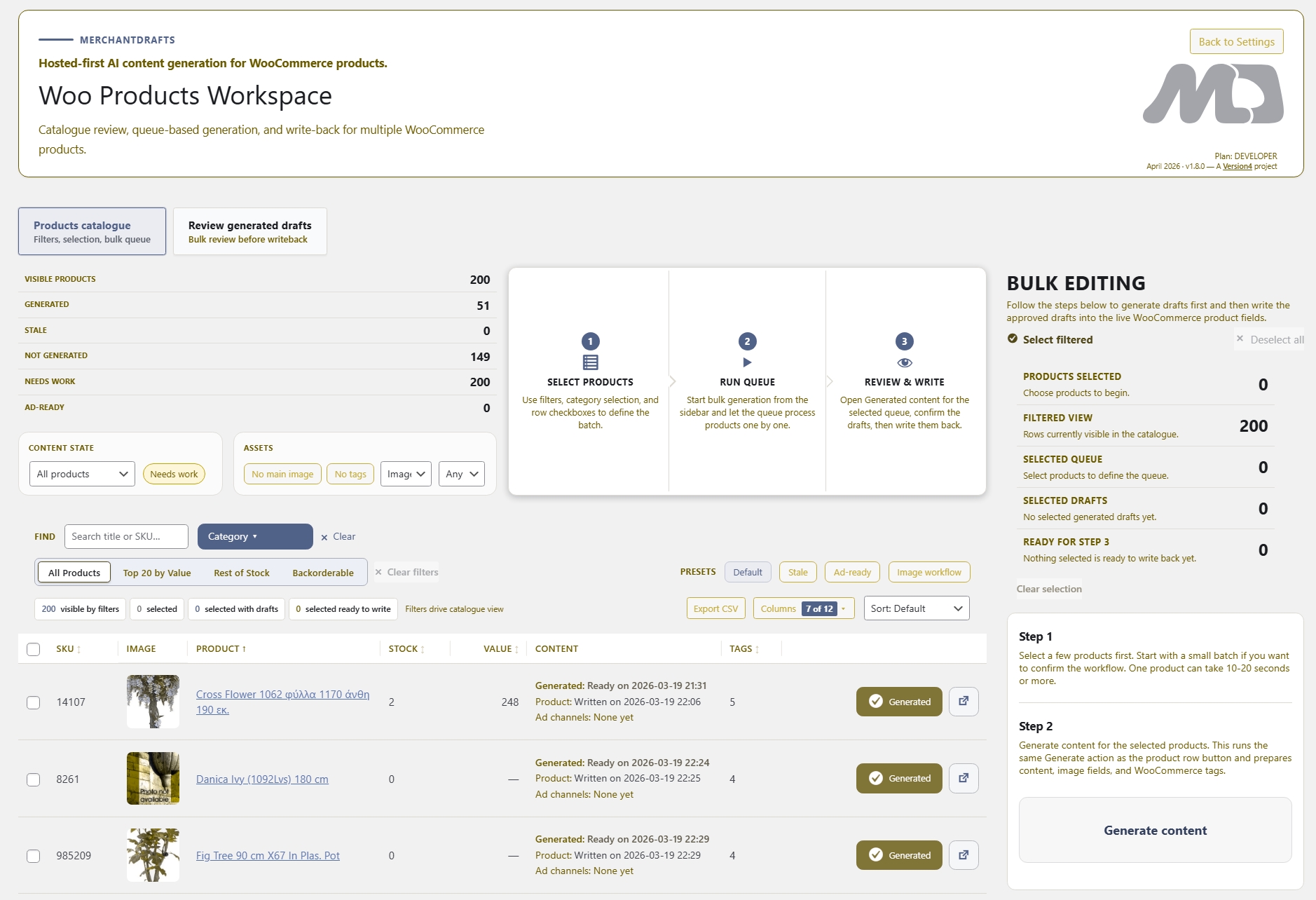
When generating a filtered batch across multiple manufacturers in Products Workspace, each product draws its own matched Manufacturer Description automatically.
The Manufacturers Workspace shows all manufacturer entries and lets you update, review, or add Manufacturer Descriptions directly from a central view.
Before
After
Manufacturer Description is optional per manufacturer — products without one fall back to Business Context.
Stores that stock a single brand or whose Business Context already covers manufacturer detail may not need a separate entry.
Manufacturer Description removes the per-product briefing overhead for multi-brand stores. Set the context once per manufacturer and generation consistently reflects the right brand positioning across the entire product range.
01
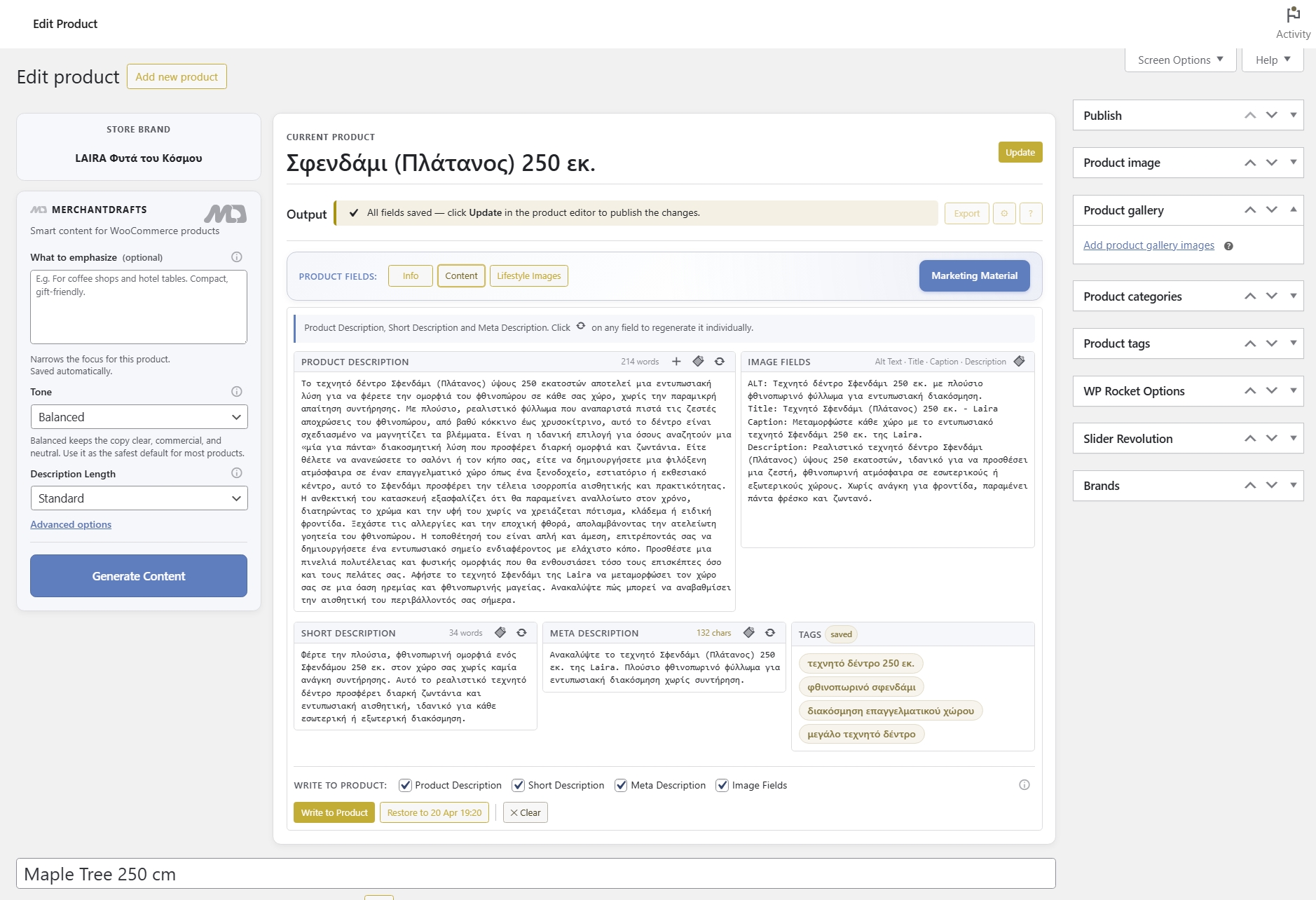
Write the description once in Settings and every product in that manufacturer range draws from it automatically at generation time.
02
Products from the same manufacturer read with consistent brand positioning instead of requiring the operator to manually add manufacturer context each time.
03
When generating a batch across multiple manufacturers, each product draws its own matched Manufacturer Description automatically — no manual sorting required.
04
Manufacturer Description works alongside Business Context, Category Context, Writing Pattern, and product-level emphasis notes — each layer narrowing the output further.
05
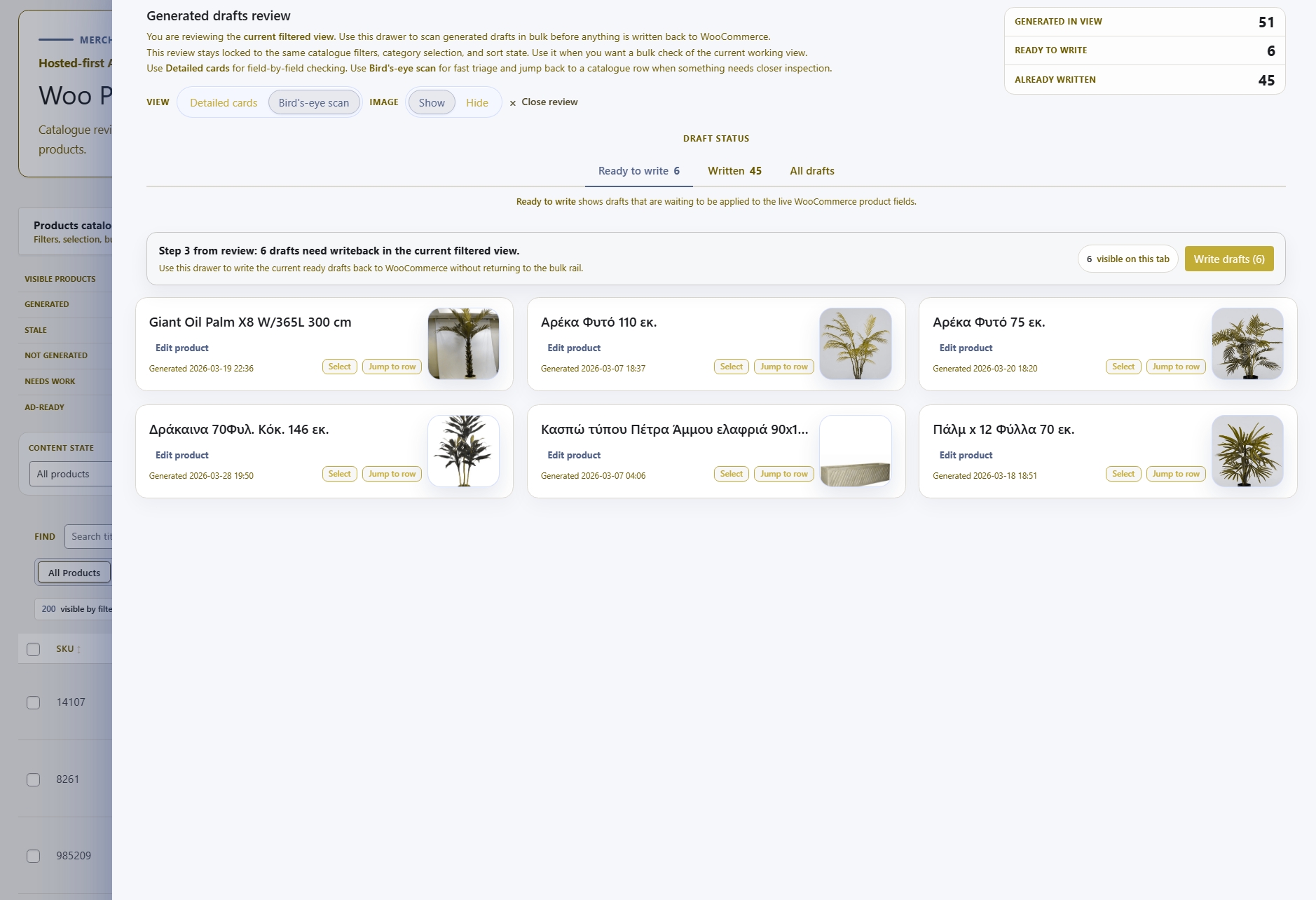
When manufacturer brand notes are already in the prompt, review time focuses on content accuracy rather than fixing generic or off-brand output.
06
When a manufacturer rebrands or updates their product line direction, update the single Settings entry and all future generation runs for that brand reflect the change.
Manufacturer Description handles the brand context for each product's manufacturer. These adjacent layers and workspaces cover store-wide context, category-level context, and the surfaces where all prompt layers are applied together.
Intelligence
The dominant store-wide layer covering brand voice, positioning, and target audience — Manufacturer Description narrows within it at the product level.
Intelligence
Per-category context that applies alongside Manufacturer Description — together they give the generation context both the brand and the catalogue section.
Operate
The dedicated workspace for reviewing, updating, and generating content across all WooCommerce manufacturers from a central view.
Content
The primary generation surface where Manufacturer Description is applied automatically — generating product titles, descriptions, and metadata inside WooCommerce.