
Sentence rhythm
How sentences are built and paced
Define whether output uses short punchy sentences, longer compound structures, or a balanced mix — applied consistently across the catalogue.
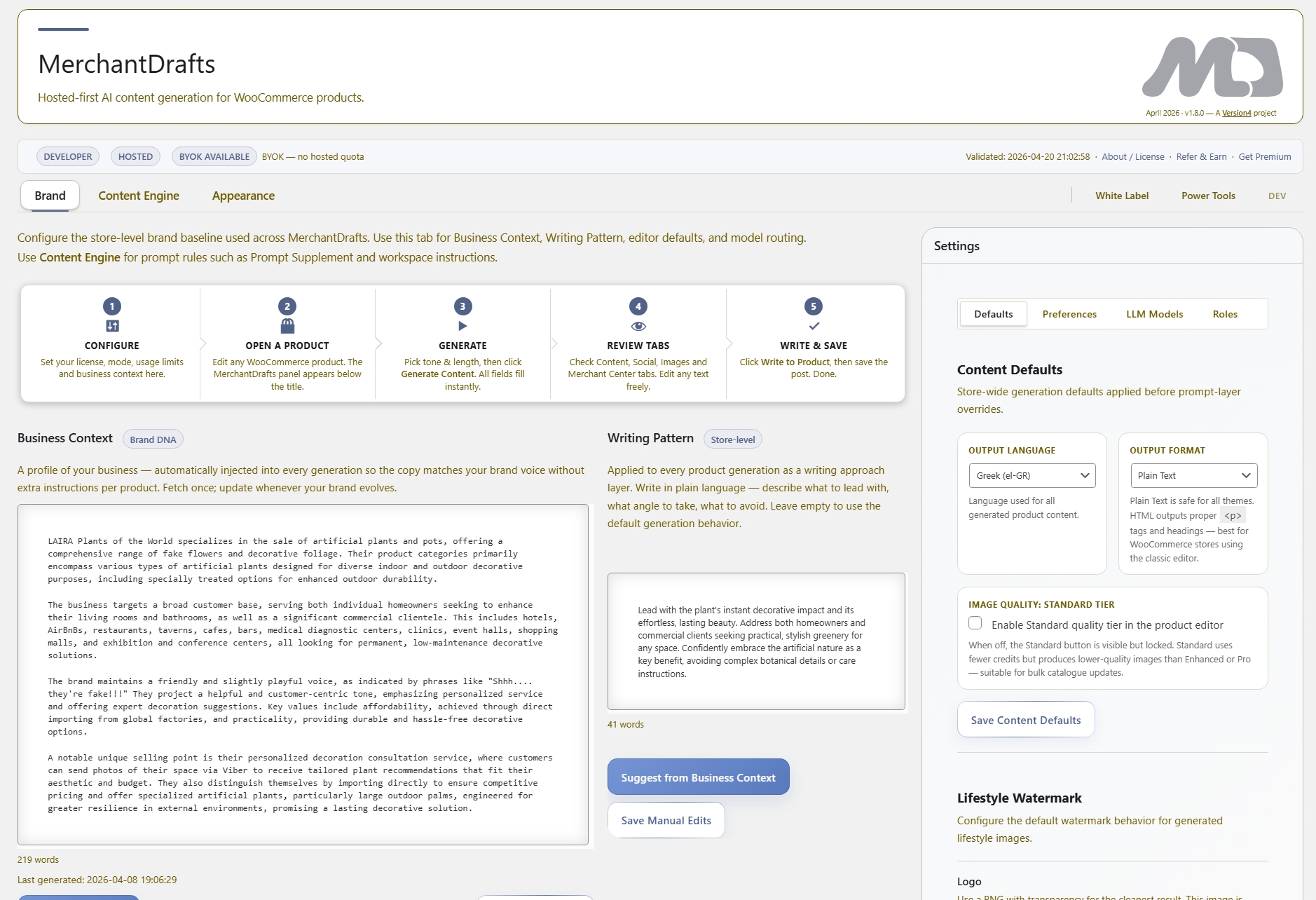
Writing Patterns is a store-level prompt layer in MerchantDrafts Settings that defines the structural rules for every generation run. It covers sentence rhythm, vocabulary register, and formatting preferences — not the topic or the brand, but the shape of the sentences themselves. Set it once and every output across the catalogue follows the same structural style, regardless of which product, category, or operator generates it.
01
Open MerchantDrafts Settings and write a short description of the sentence style, vocabulary level, and formatting rules for your store.
02
Every generation run reads the Writing Pattern and applies the structural rules alongside Business Context and any other active prompt layers.
03
All generated copy follows the same rhythm and register — whether you run one product or a full catalogue batch — without repeating the instruction each time.
On this page
Writing Patterns sit in MerchantDrafts Settings as a store-wide layer. They tell the generation engine how to construct sentences — not what to say — so output across different products, operators, and batch runs reads with the same rhythm and register.
Sentence rhythm
Define whether output uses short punchy sentences, longer compound structures, or a balanced mix — applied consistently across the catalogue.
Vocabulary register
Set the register for the store: technical and precise, accessible and plain, or elevated and editorial — without repeating the instruction per run.
Formatting preferences
Specify whether descriptions use bullet points, flowing paragraphs, or a defined mixed structure — so field formatting stays consistent store-wide.
Describe how sentences should feel, the vocabulary level expected, and any structural rules for descriptions and bullet lists.
Writing Pattern applies to every generation run across products, categories, and manufacturers — one entry covers the whole catalogue.
Business Context provides brand direction. Writing Pattern adds the structural layer on top, keeping output consistent without overriding content intent.
If the store switches from a plain register to an elevated editorial tone, update the Writing Pattern once and future runs reflect the change immediately.
Before
After
Writing Pattern shapes the structure. Business Context shapes the meaning.
Both layers work together — Writing Pattern handles how sentences are built; Business Context handles what they say about the brand.
Writing Patterns remove the need to explain sentence structure in every prompt. Set the rules once, and consistent output follows across every product, workspace, and generation run.
01
Write the structural rules once in MerchantDrafts Settings and every future generation run applies them without repeating the instruction.
02
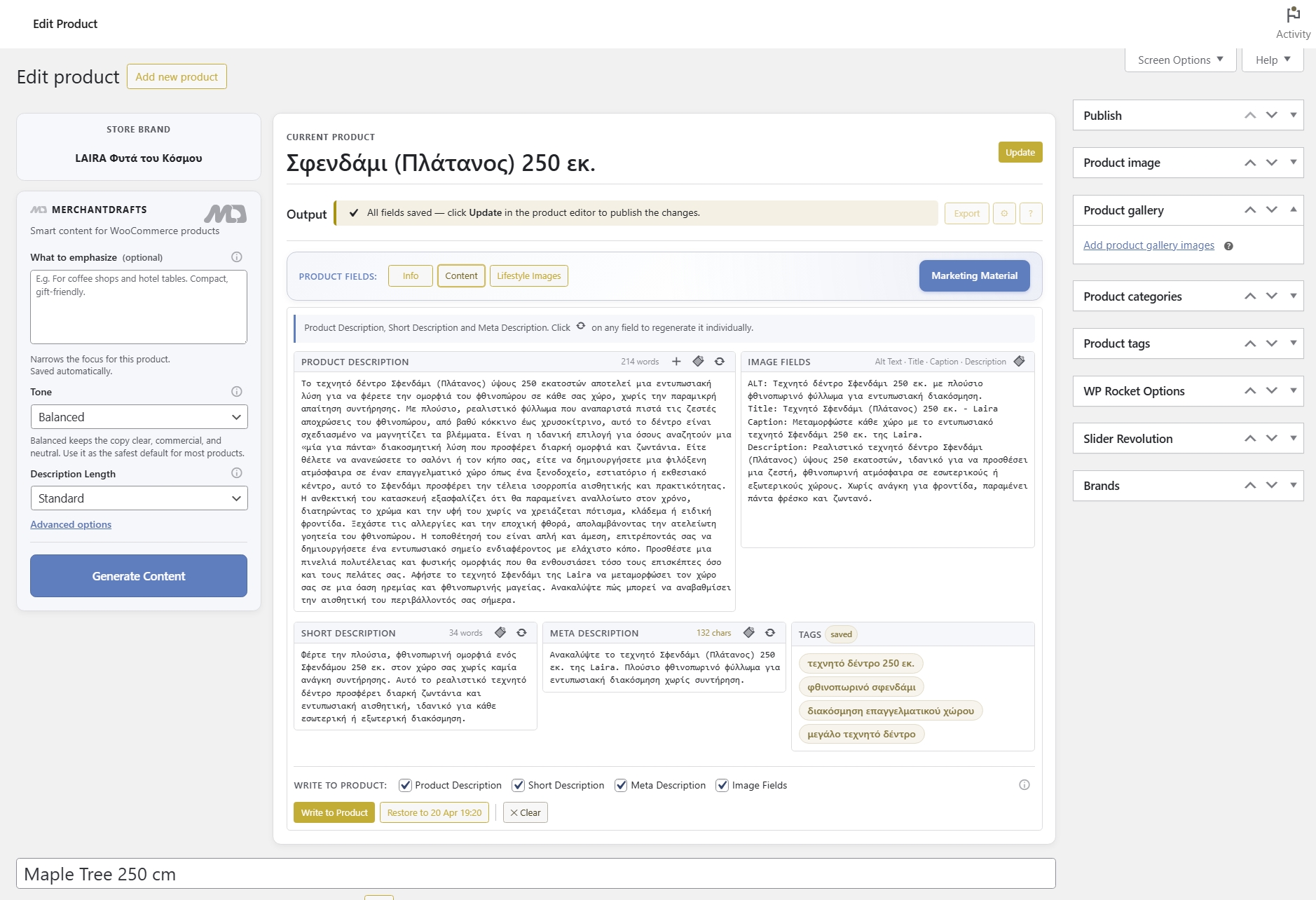
Output across different products reads with the same sentence rhythm and vocabulary register — no drift between operators or batch runs.
03
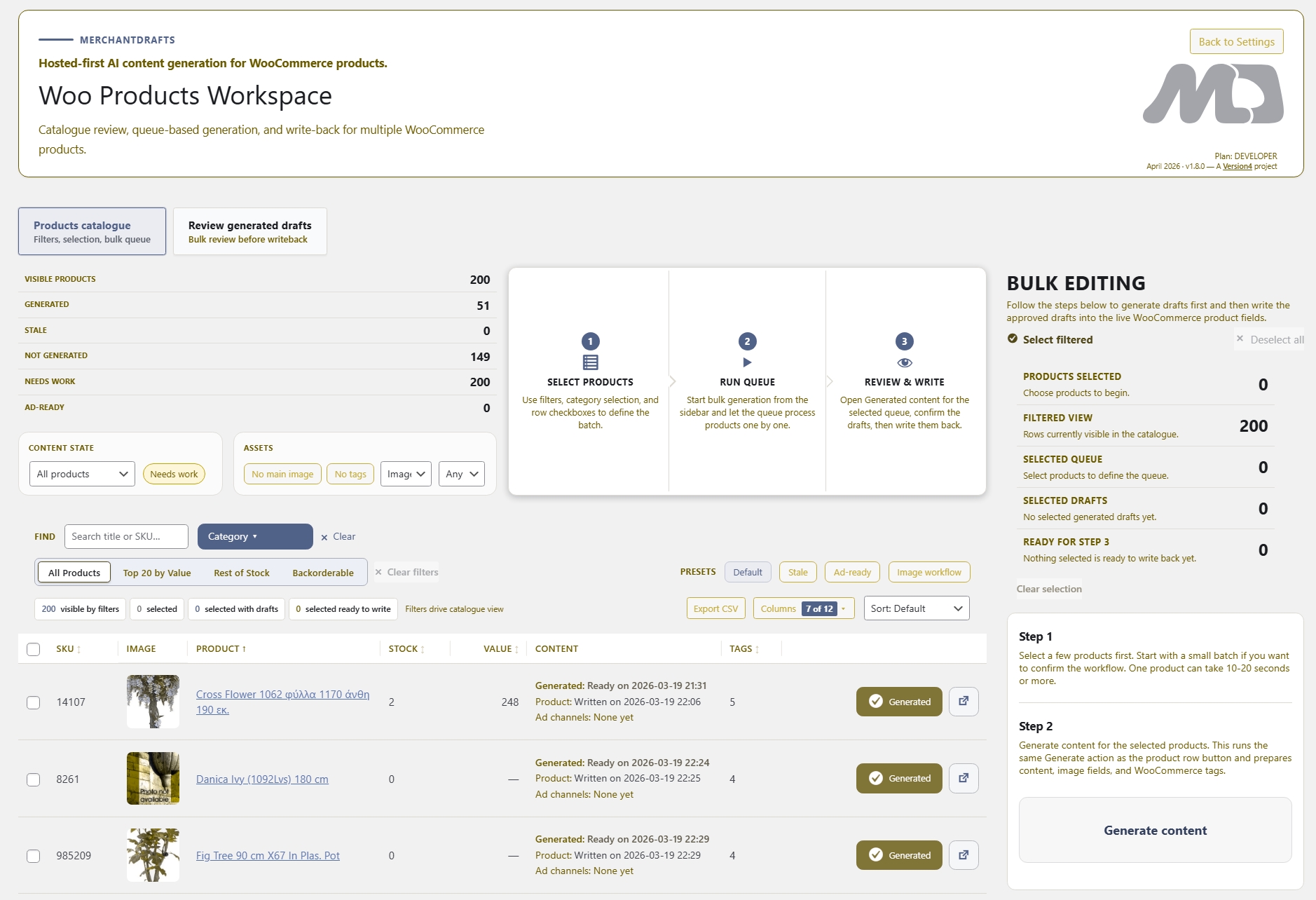
Writing Pattern applies equally to single-product generation and full catalogue batch runs in Products Workspace.
04
Business Context tells the AI what the brand means. Writing Pattern tells it how to write it. Both sit in Settings and apply automatically together.
05
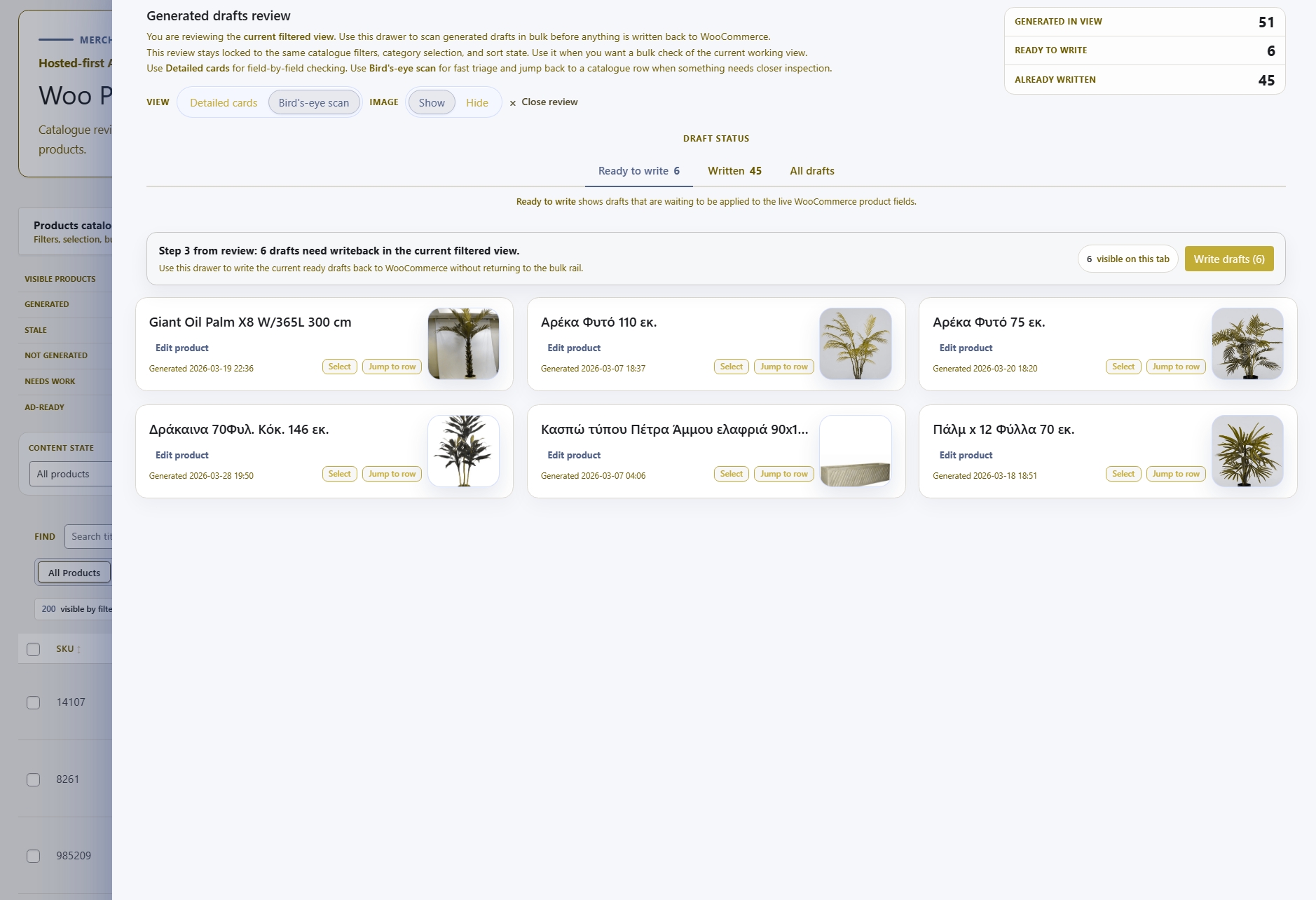
When structural rules are set in advance, review focuses on content accuracy rather than correcting sentence drift across the output.
06
When the store moves to a different writing register, update the Writing Pattern once and all future generation runs reflect the change immediately.
Writing Patterns handle structure. These adjacent layers and workspaces cover the other dimensions of the generation stack — from brand intent to category-level context and the surfaces where output actually appears.
Intelligence
The dominant store-level layer that provides brand voice, positioning, and audience — Writing Pattern sits above it and handles the structural layer.
Intelligence
Per-category context that tells the AI what a WooCommerce category covers — resolved automatically per product at generation time.
Content
The primary surface where Writing Pattern is applied — generating product titles, descriptions, and metadata inside WooCommerce.
Content
Per-run controls for tone, description length, and emphasis — these layer on top of Writing Pattern and narrow the output further.