Scene setup
Theme and prompt guidance inside the editor
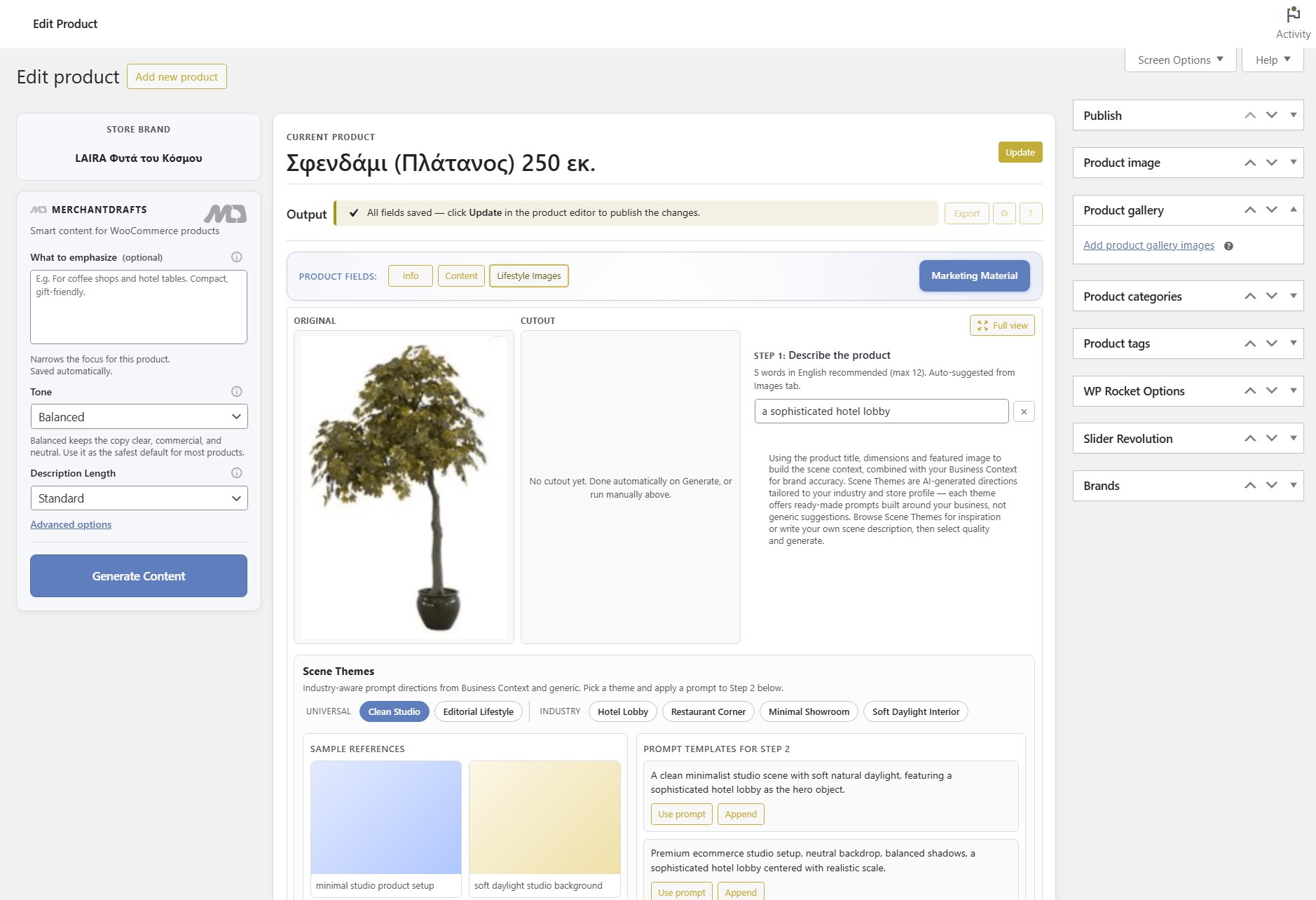
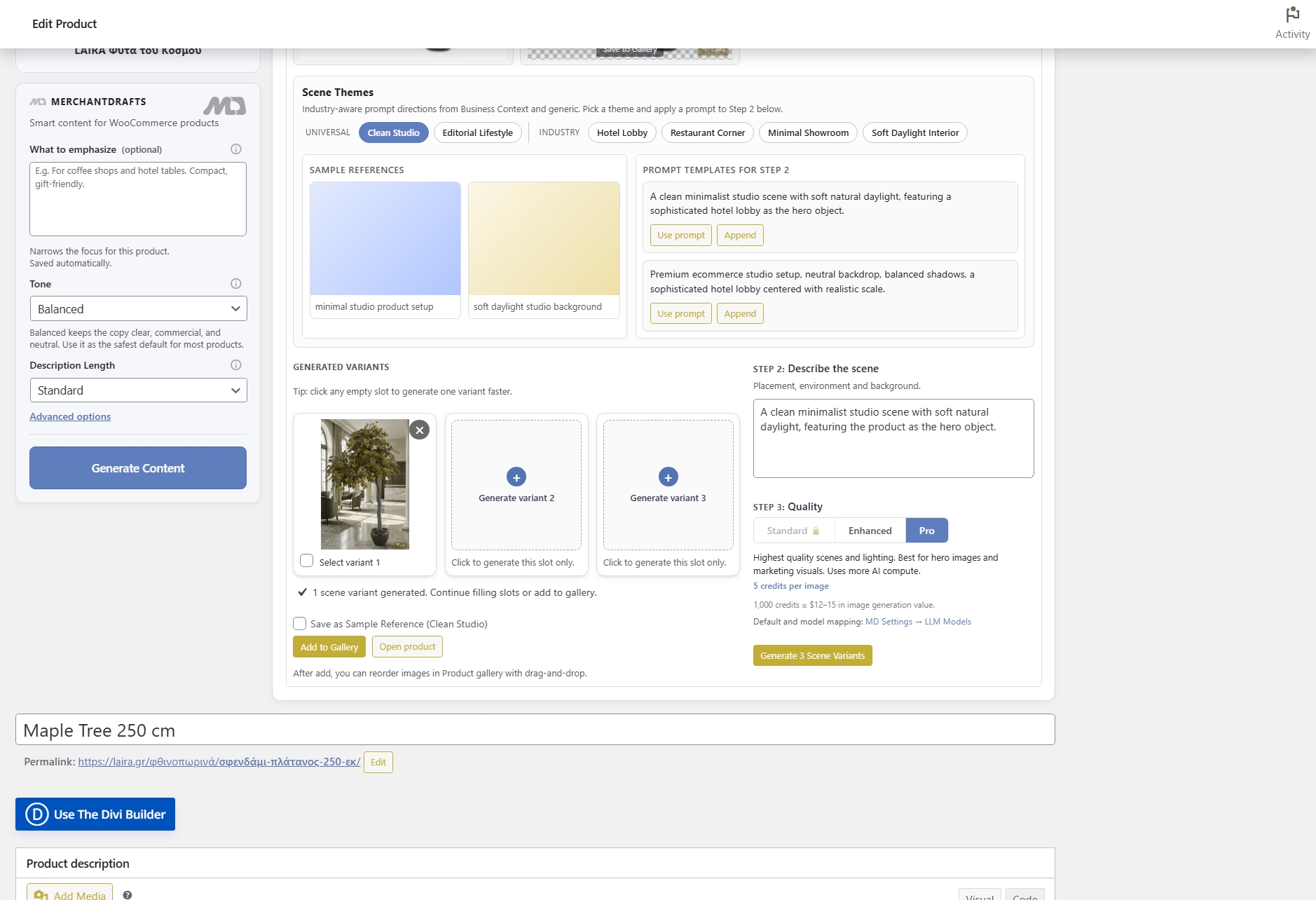
Select a lifestyle theme and shape the image prompt from within the product editor tab — the product context is already loaded so you are not starting from a blank brief.
MerchantDrafts provides a guided image-workflow surface alongside product content, so scene setup and prompt guidance can begin with the product already open in WooCommerce. Operators remain involved in shaping the request and reviewing the resulting visual workflow.
01
Choose a lifestyle theme and shape the prompt using the product context already loaded in the editor.
02
Run lifestyle-image generation from inside the product editor tab, producing scene variants shaped by your theme and prompt inputs.
03
Review generated images before attaching them to the product gallery. Nothing goes to WooCommerce until you approve it.
On this page
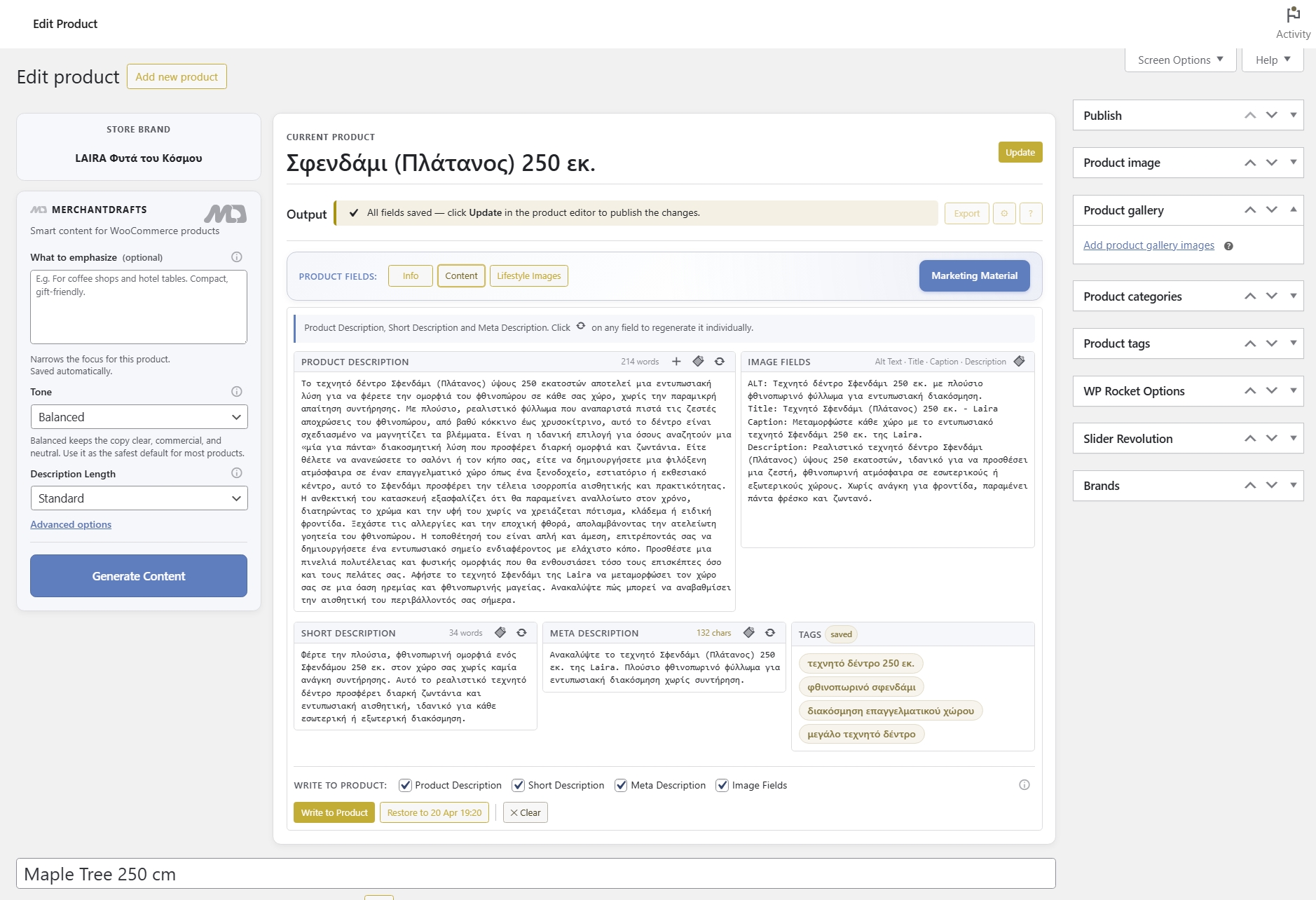
The Lifestyle Images tab sits inside the product editor beside Content Generation and Marketing Material. Theme guidance, prompt shaping, and generation controls are available in the same view so operators can set up a scene and run generation without leaving the product workflow.
Scene setup
Select a lifestyle theme and shape the image prompt from within the product editor tab — the product context is already loaded so you are not starting from a blank brief.
Product context
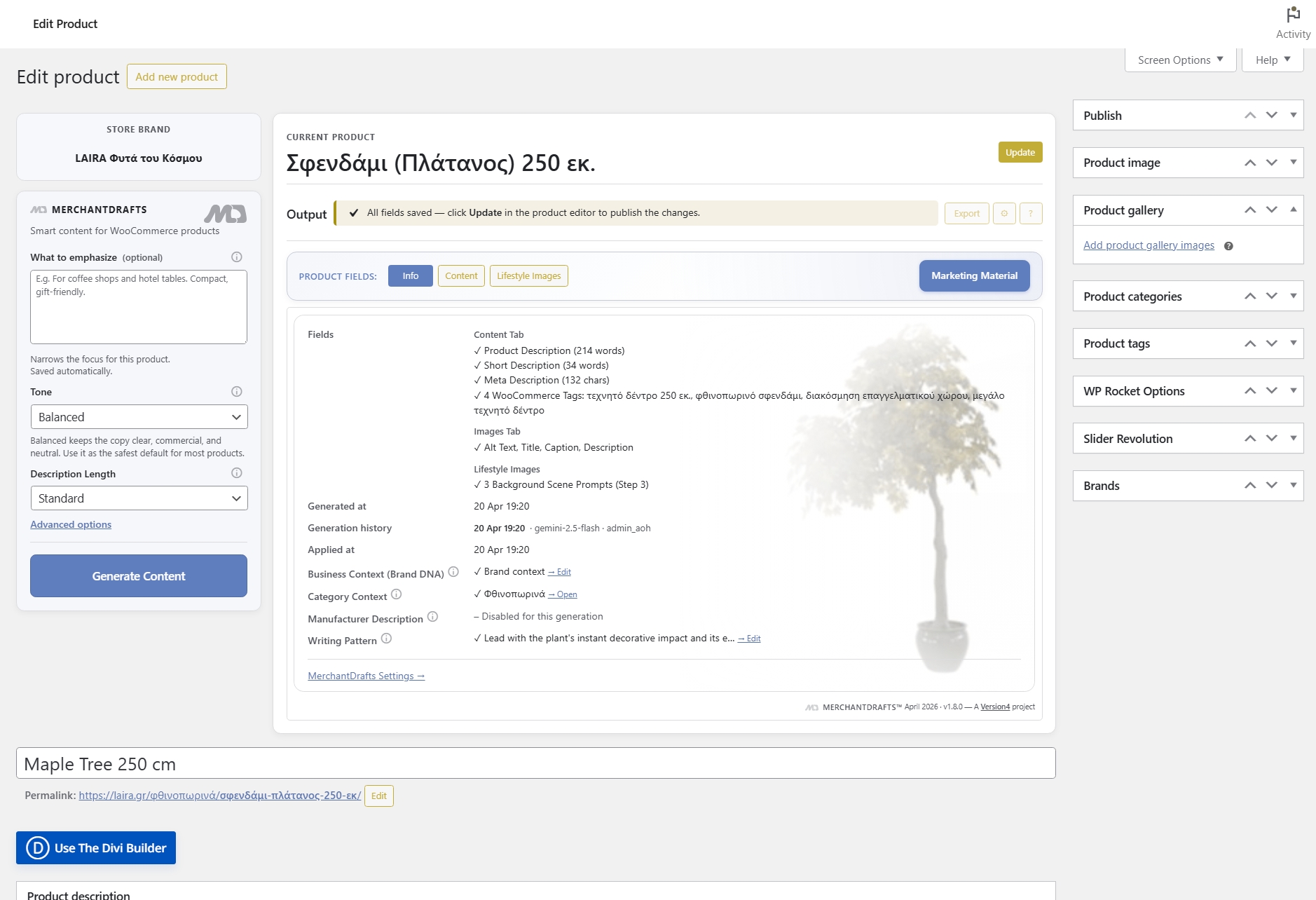
Scene inputs are shaped by the product data in context — category, manufacturer, and product-level details inform generation rather than being added manually each time.
Review flow
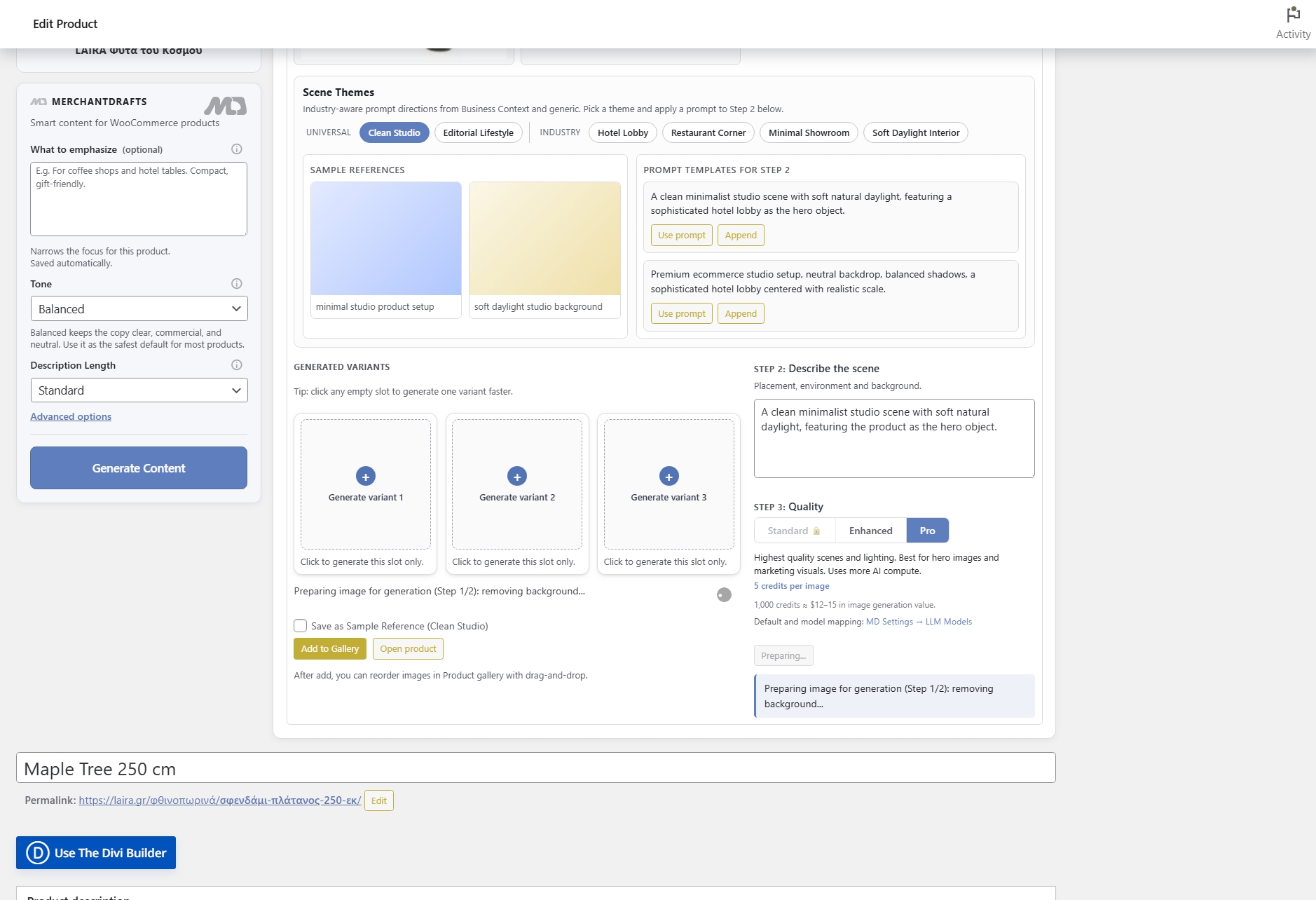
Generated images are staged for review before any attachment to the WooCommerce product gallery, keeping the operator in control of what goes live.
Before
After
Generation is not gallery attachment.
MerchantDrafts keeps image generation and gallery writeback separate so operators review outputs before anything reaches the live product.
The lifestyle-image workflow reduces the gap between having a product and having usable product visuals — without moving data between tools or managing external image briefs.
01
Theme guidance and prompt shaping are available directly in the Lifestyle Images tab — the same editor view where product data is already loaded.
02
Category, manufacturer, and product-level data inform scene inputs automatically — no rebuilding context for each image request from scratch.
03
Generated images are staged for operator review before any attachment to the WooCommerce product gallery — nothing goes live without approval.
04
Lifestyle Images sits alongside Content Generation and Marketing Material in the same product editor session — operators handle visuals and written content in one place.
05
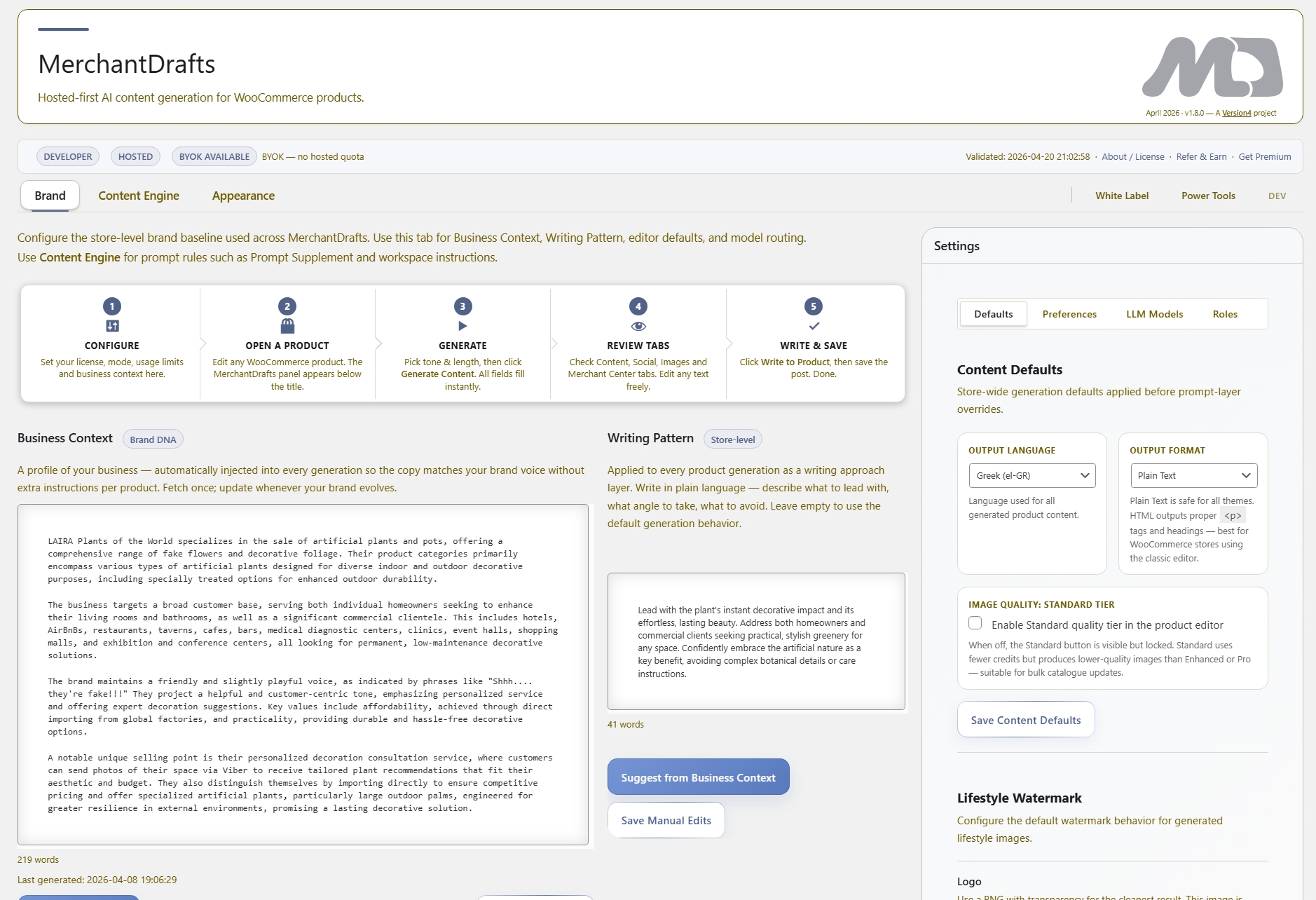
Business Context, category data, and product-level emphasis notes apply to image prompts the same way they apply to written copy — scenes stay on-brand across the catalogue.
06
Run the full scene-to-gallery workflow inside WordPress without switching to external image generation tools or managing prompts outside the product editor.
Lifestyle Images is one part of the MerchantDrafts workflow. These adjacent surfaces cover the jobs operators usually handle in the same product session.
Content
Generate product titles, descriptions, image metadata, and tags in the same product editor session.
Content
Generate platform-ready promotional copy from product context instead of rewriting the same offer for each channel.
Content
Use What to Emphasize, Tone, Description Length, Business Context, and Writing Pattern to shape output before you generate.
Workspace
Scale the product content workflow across filtered catalogue slices when the job becomes catalogue-wide.