
Store-wide · dominant
Business Context
Brand voice, positioning, and audience. Set once in Settings. The dominant baseline for every generation run across the entire catalogue.
MerchantDrafts doesn't use a single prompt. It builds a layered context from multiple sources — store-level settings, per-category notes, per-manufacturer descriptions, structural style rules, and per-run controls — and combines them at generation time. Each layer adds a different dimension of context so the output is shaped by the store's actual intent rather than a generic instruction.
01
Business Context, Writing Pattern, Category Context, and Manufacturer Description are written once in MerchantDrafts Settings and applied automatically to every future generation run.
02
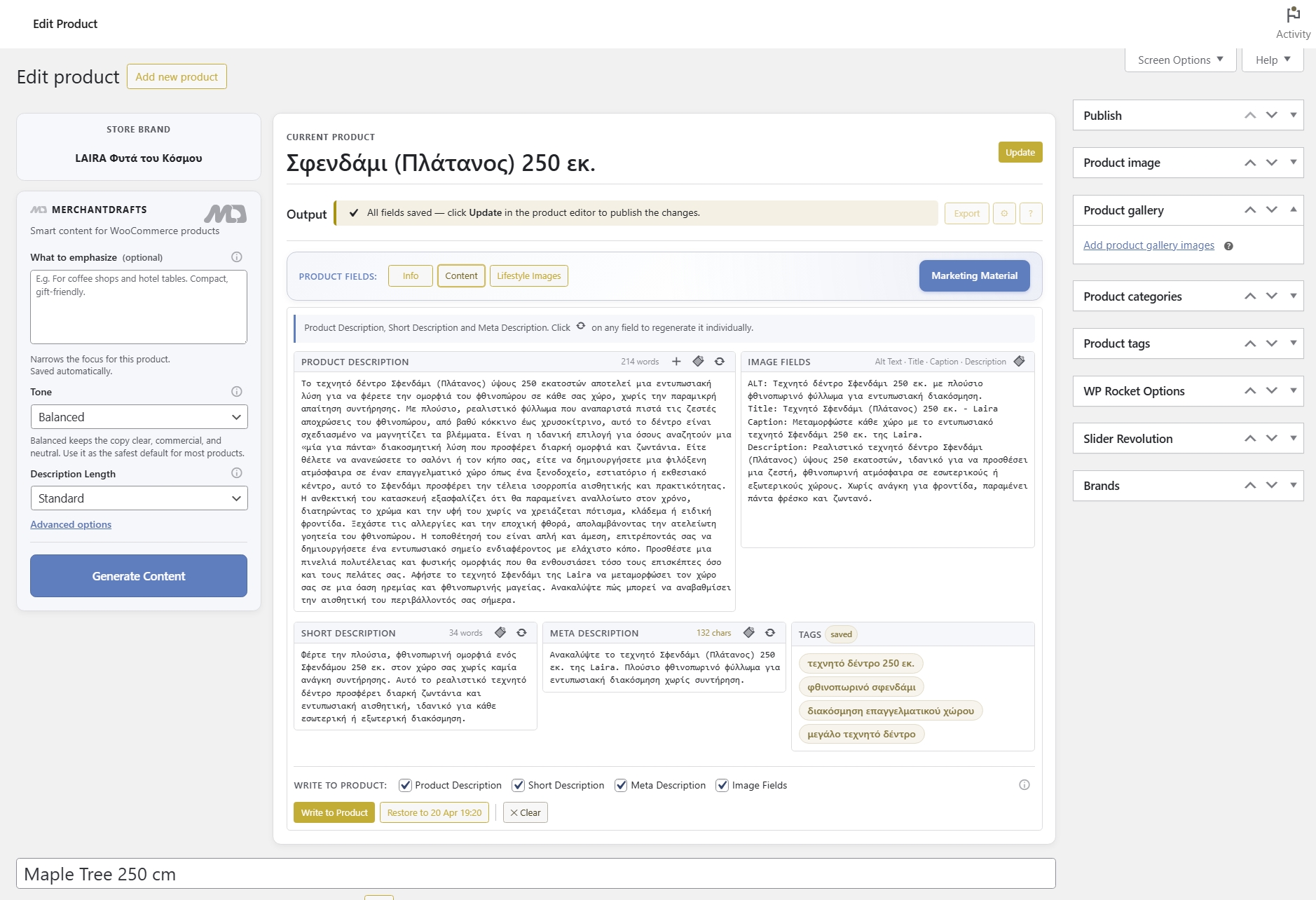
Tone, Description Length, and What to Emphasize are set per generation run from the left-side generation controls — they narrow the output within the context already established by the Settings layers.
03
MerchantDrafts assembles the full context from all active layers before generation runs — the operator doesn't need to combine or repeat them manually each time.
On this page
Each layer adds a distinct dimension to the generation context. Store-level layers are set once in Settings. Per-run controls are adjusted each time. Together they give the AI enough context to produce output that reflects the store's actual intent — without the operator manually constructing that context in a prompt each time.
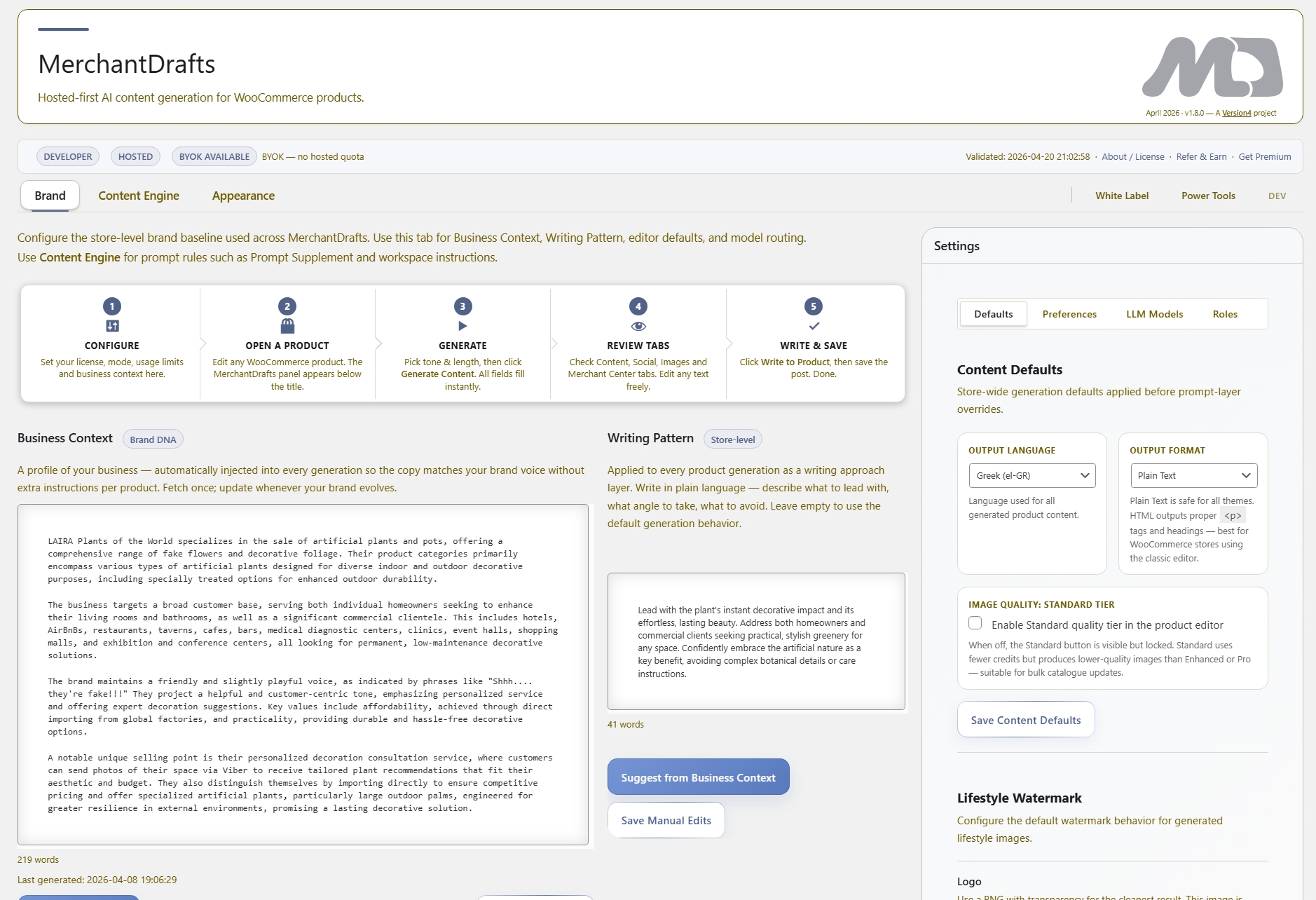
Store-wide · dominant
Brand voice, positioning, and audience. Set once in Settings. The dominant baseline for every generation run across the entire catalogue.
Store-wide · structural
Sentence rhythm, vocabulary register, and formatting style. Set once in Settings. Shapes how the AI writes — not what it says about the brand.
Per-category · automatic
What each WooCommerce category is about. Written per category in Settings. Resolved automatically for each product at generation time.
Per-manufacturer brand and product range notes. Written in Settings per brand. Pulled into the prompt automatically when generation runs for a product in that manufacturer range.
Per-run controls set from the left-side generation controls. Narrow the tone and output volume for each specific generation run within the context already set by Settings layers.
Per-run product focus control. Set from the generation controls for each run. Tells the AI what aspects of the product to foreground in the generated output.
MerchantDrafts assembles all active layers into the generation context. The operator doesn't construct the prompt — they set the layers and run generation.
Before
After
The layers narrow the context — they don't replace each other.
Business Context is the widest layer. Each subsequent layer adds specificity within it. Output reflects all active layers together, not just the most recently set one.
The prompt layer system removes the overhead of constructing store context on every generation run. Write each layer once, and every future run draws from the same consistent foundation without the operator repeating the work.
01
Store-level layers — Business Context, Writing Pattern, Category Context, Manufacturer Description — are written once in Settings and applied to every future generation run.
02
Every generation run draws from the same layer stack, so output reads consistently across different products, operators, and batch sizes.
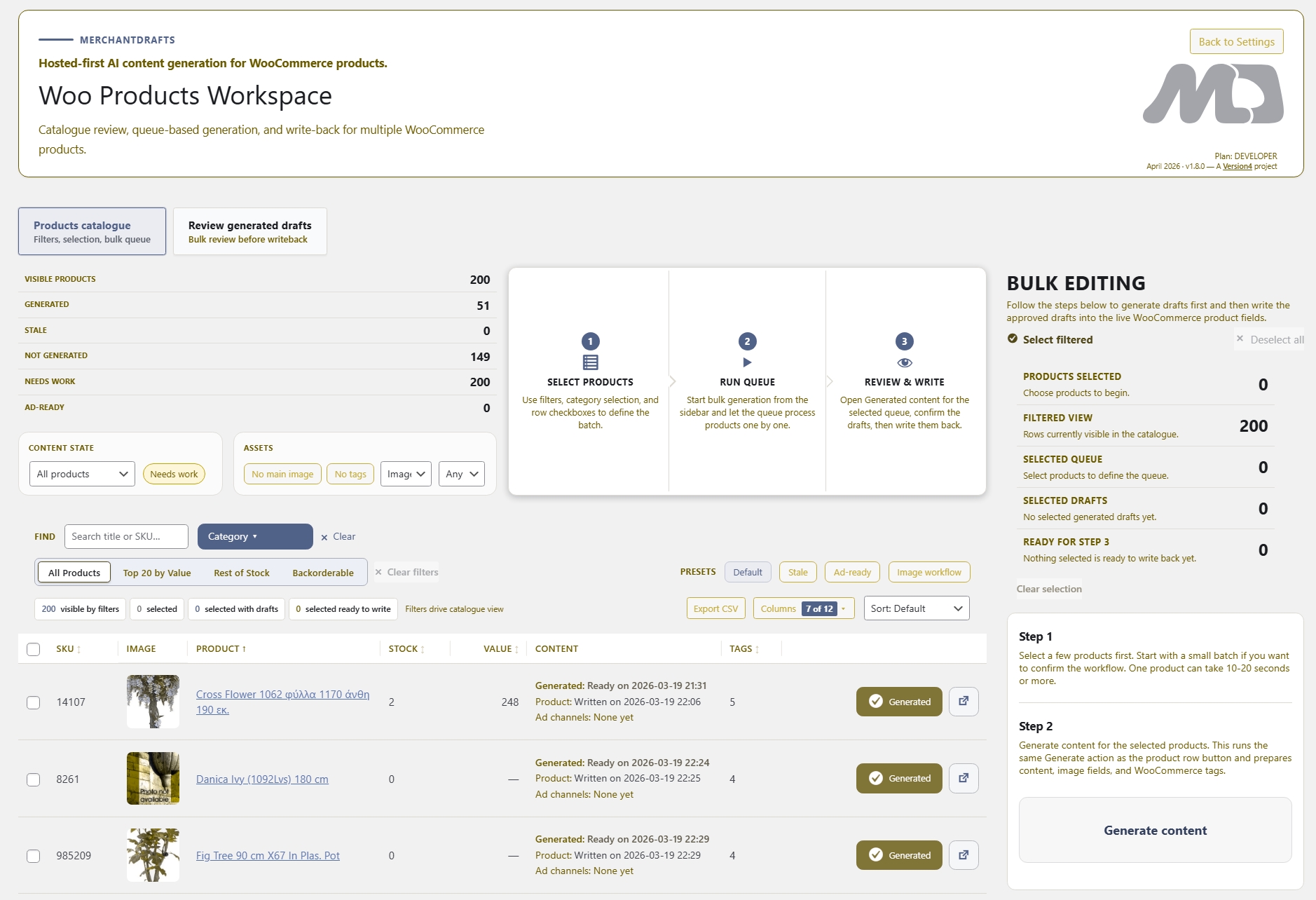
03
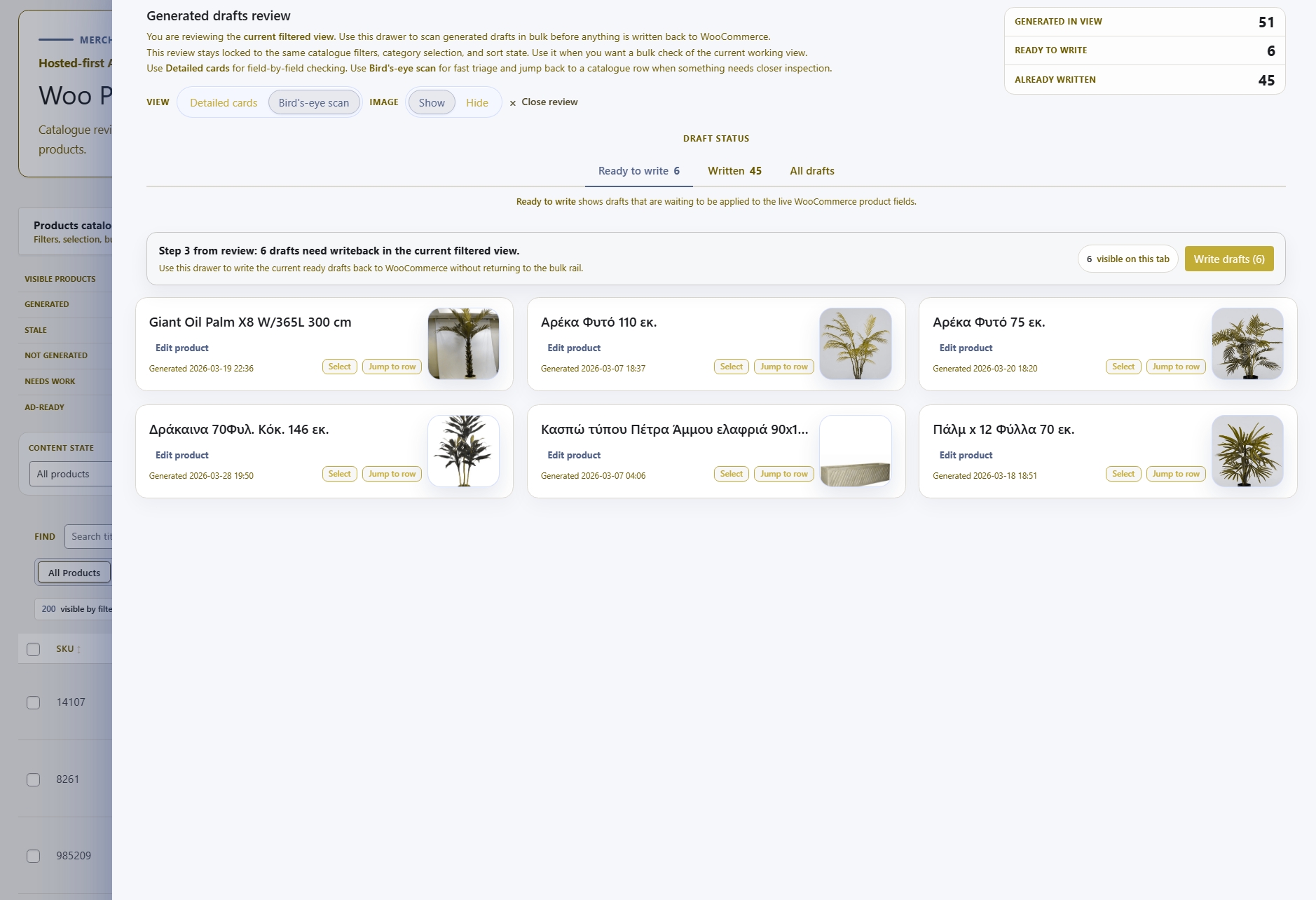
When generating a filtered batch in Products Workspace, each product draws its Category Context and Manufacturer Description automatically — the stack works without per-product manual setup.
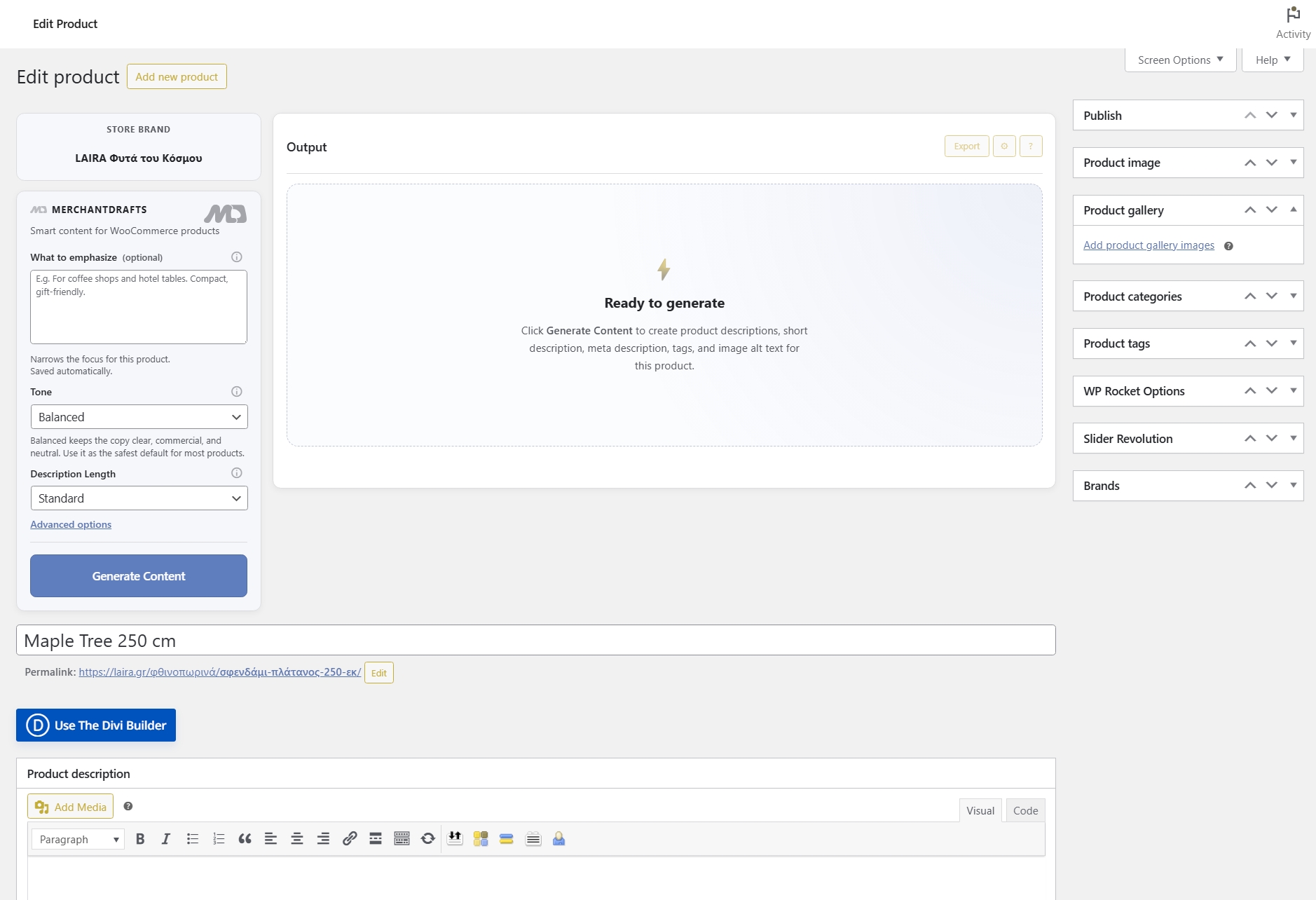
04
The operator sets per-run controls like Tone and What to Emphasize from the interface. MerchantDrafts assembles the full context — the operator doesn't write the prompt manually.
05
When context is configured in advance and applied consistently, review time is spent checking content accuracy rather than correcting brand drift, structural inconsistency, or missing context.
06
When the store changes — a new brand direction, a different style register, an updated manufacturer range — update the relevant layer in Settings and all future runs reflect it immediately.
The prompt layer system is the context foundation for all generation in MerchantDrafts. These pages cover each layer in detail — what to write, where it applies, and how it interacts with the rest of the stack.
Intelligence
The dominant store-level layer covering brand voice, positioning, and target audience — the baseline for every generation run.
Intelligence
Per-category context written once per WooCommerce category and resolved automatically at generation time for each product.
Intelligence
The structural layer — sentence rhythm, vocabulary register, and formatting preferences set once in Settings and applied to every run.
Intelligence
Per-manufacturer brand and product range notes that are resolved automatically for each product at generation time.