BYOK
Bring Your Own Gemini API Key
Connect your own Google Gemini API key so generation runs against your own quota. Available on Agency Pro Premium and Agency White Premium.
Hosted MerchantDrafts is the default operating path. BYOK is available for eligible advanced teams that need provider-level control, while white-label options support agency delivery where they are appropriate. Neither changes the core catalogue workflow or removes the need for operator review.
01
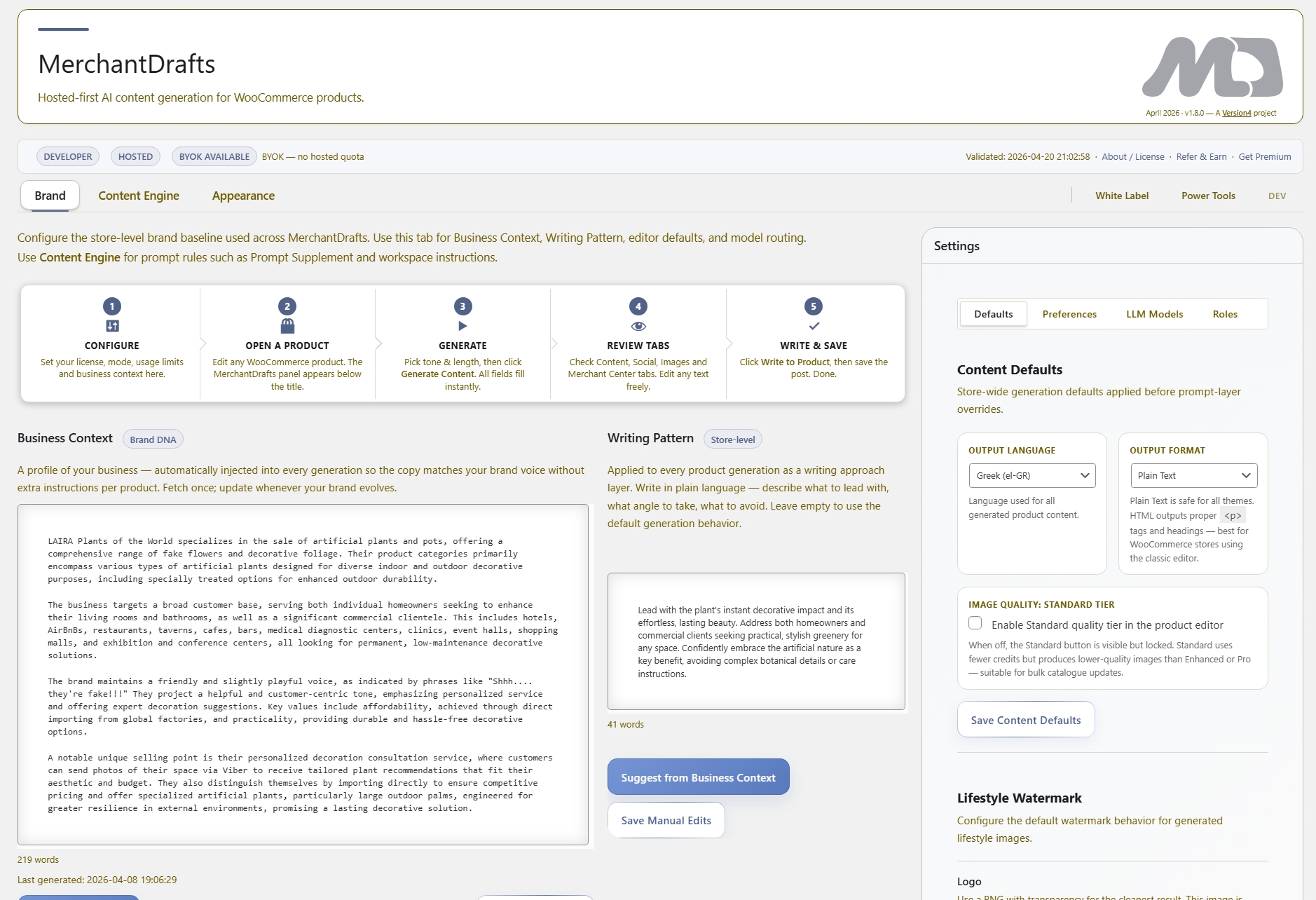
Add your own Google Gemini API key in MD Settings. Generation switches from the hosted credit pool to your own key so usage limits and costs are fully under your control.
02
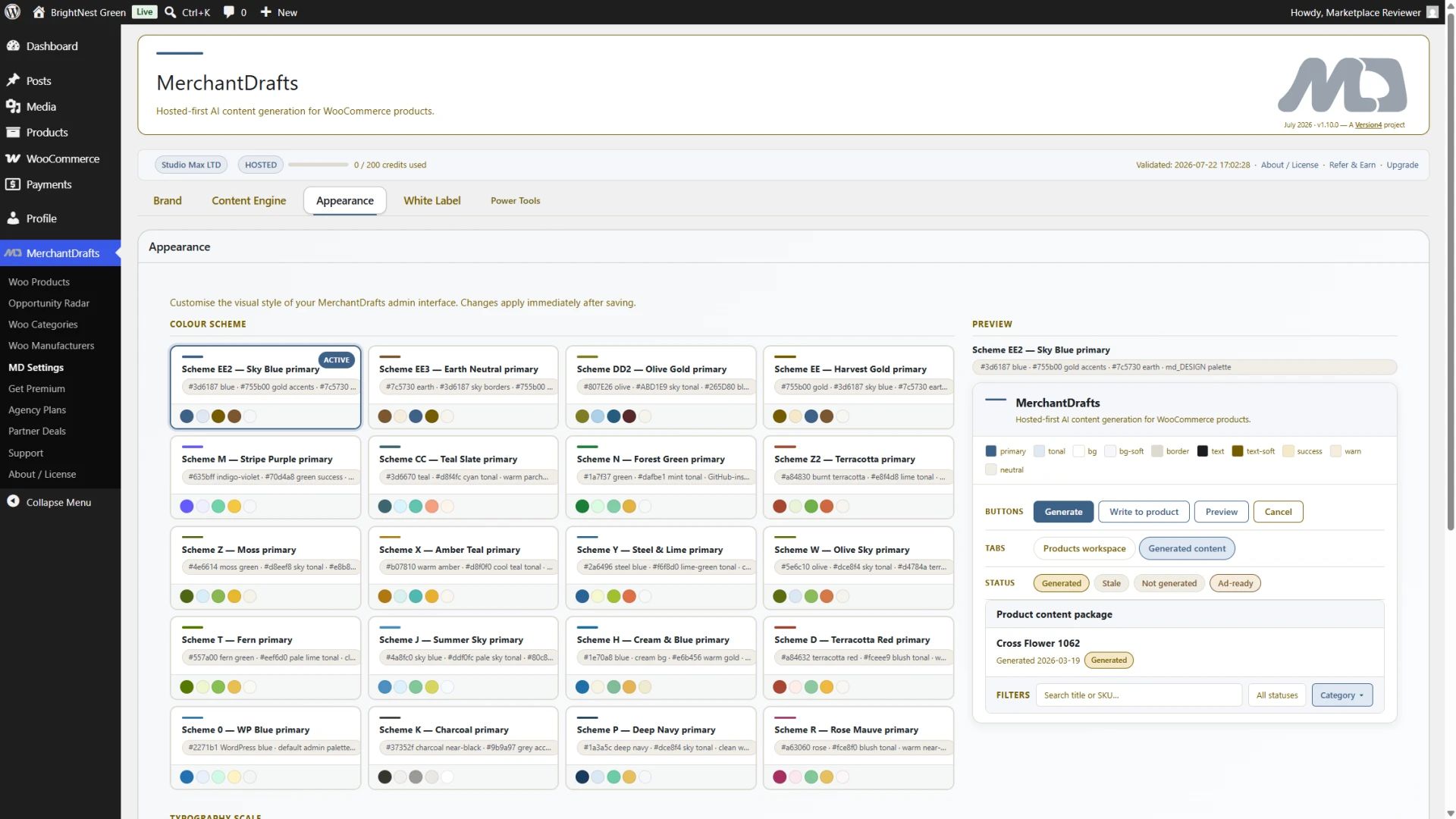
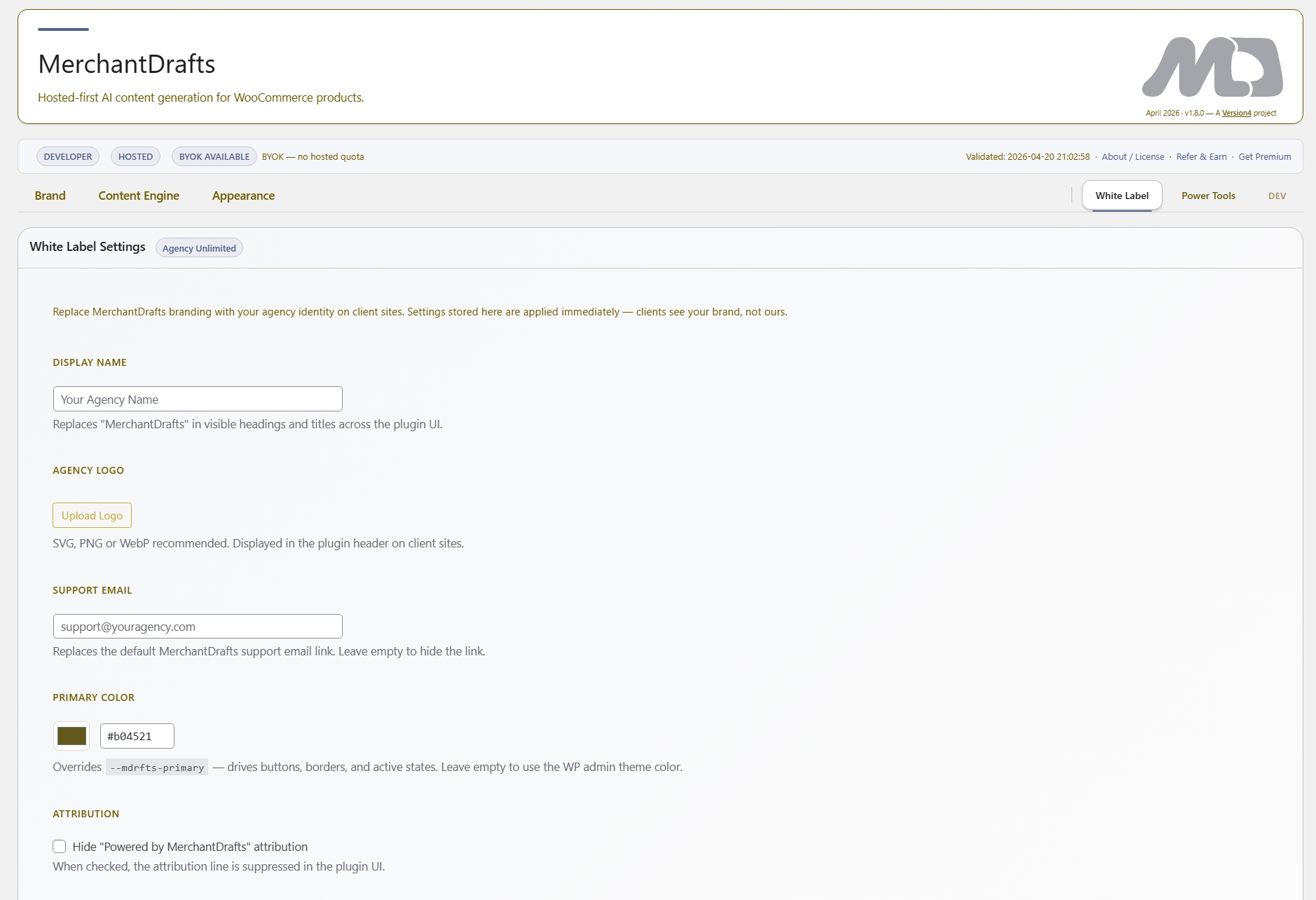
Set your agency display name, upload your logo, add your support email, and choose a primary colour in the White Label tab. The plugin appearance updates across the client's WordPress admin.
03
Run MerchantDrafts across multiple client WooCommerce stores with your own key active and your own branding showing — the full content generation workflow, under your agency identity.
On this page
BYOK removes the hosted credit dependency entirely for operators who want to manage generation cost through their own Gemini account. White Label removes the MerchantDrafts identity from the client-facing plugin so agencies can deploy it as a branded tool under their own name. Both capabilities are configured in MD Settings and take effect immediately across the active installation.
BYOK
Connect your own Google Gemini API key so generation runs against your own quota. Available on Agency Pro Premium and Agency White Premium.
White Label
Replace MerchantDrafts name, logo, support email, and primary colour with your agency identity. The plugin appears as your own branded tool in the client's WordPress admin. Agency White only.
Plan gating
BYOK requires Agency Pro Premium or above. White Label is exclusive to Agency White Premium — the top-tier plan for agencies deploying MerchantDrafts across client sites.
BYOK moves generation cost to your own Gemini account so hosted credit limits no longer constrain high-volume agency workflows.
The plugin name shown to clients in the WordPress admin updates to your agency name — no developer access or custom plugin builds required.
Upload your agency logo and set a primary colour so the plugin visual identity matches your brand rather than MerchantDrafts throughout the client's admin.
Set your own support email address so client-facing help links and support contact details point to your agency rather than MerchantDrafts support.
Before
After
BYOK and White Label are configured separately.
BYOK is available on Agency Pro and above. White Label is only available on Agency White. Both are configured independently in MD Settings and can be activated without affecting the other.
BYOK and White Label together give agencies full control over both the cost model and the client-facing identity of MerchantDrafts — without requiring custom development or a separate branded plugin build.
01
Replace MerchantDrafts branding with your agency identity so clients interact with a tool that looks and feels like your own service — not a third-party plugin.
02
Set agency display name, logo, support email, and primary colour directly in MD Settings — no custom plugin build, child plugin, or developer handoff required to apply agency branding.
03
BYOK removes the hosted credit ceiling for high-volume agency workflows. Generation runs against your Gemini account directly and costs are managed through your own Google Cloud billing.
04
White Label and BYOK settings apply per installation. Deploy across Agency White's included site licences with consistent branding and your own API key across all client WordPress accounts.
05
Set your agency support email in White Label settings so client-facing help links and support contact details route to your team rather than MerchantDrafts support.
06
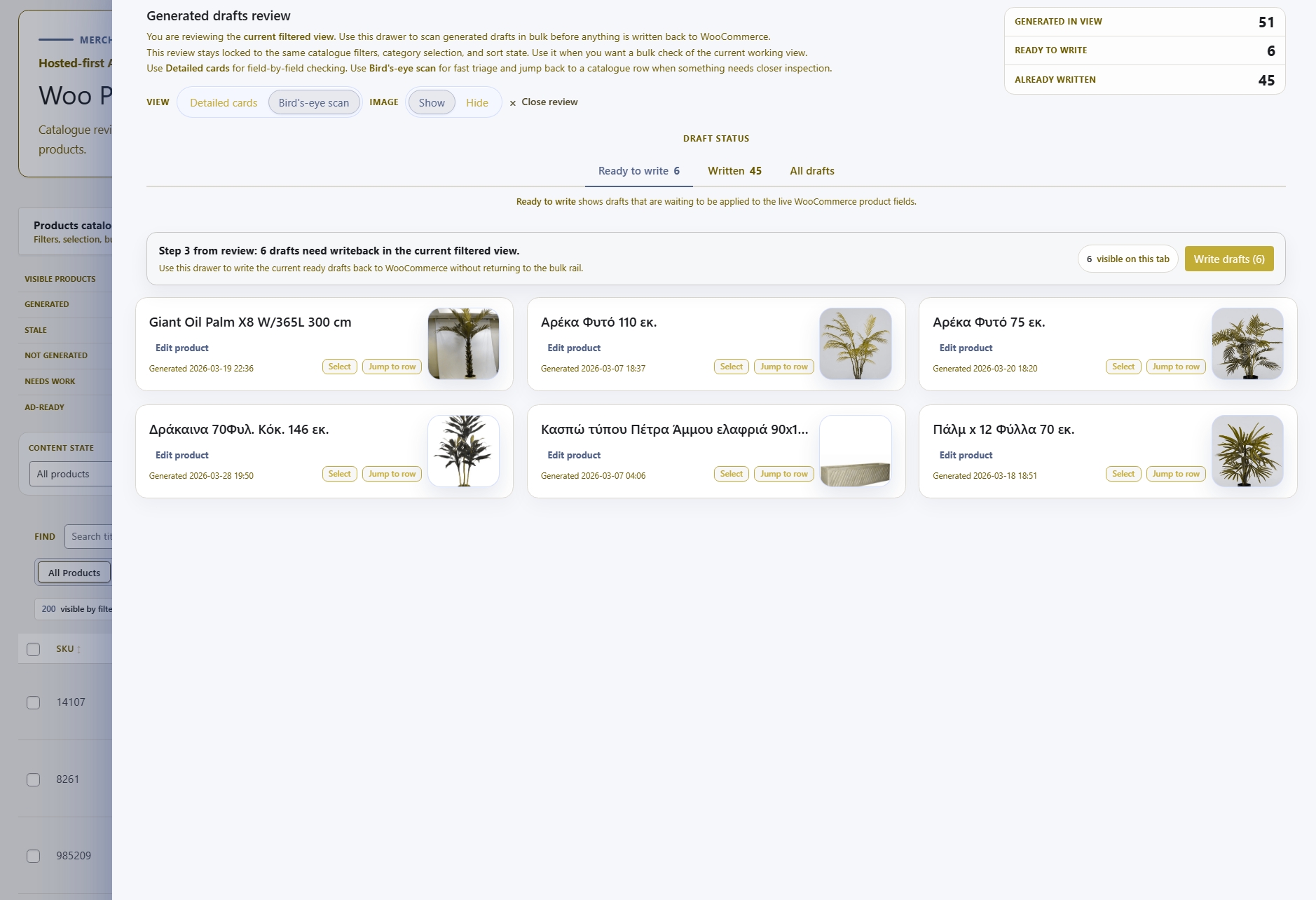
BYOK and White Label are configuration layers over the full MerchantDrafts workflow — all generation, review, and writeback features continue to work exactly as standard with the agency settings active.
BYOK and White Label are part of the agency-tier capability set. These related features cover the generation and control workflows that agencies run across client WooCommerce stores.
Advanced
Edit generation prompt templates and preview prompt output — the other advanced operator capability available on Studio Max and above.
Operate
Batch product content generation across client WooCommerce catalogues — the core workflow agencies run with BYOK and their own quota.
Generate
Business Context, Writing Pattern, Tone, and Description Length — the context layer system that shapes output across every client store workflow.
Platform
See the full MerchantDrafts feature set — generation workflows, workspace tools, and intelligence controls — available across all plans.