Core copy
Long, short, and meta descriptions
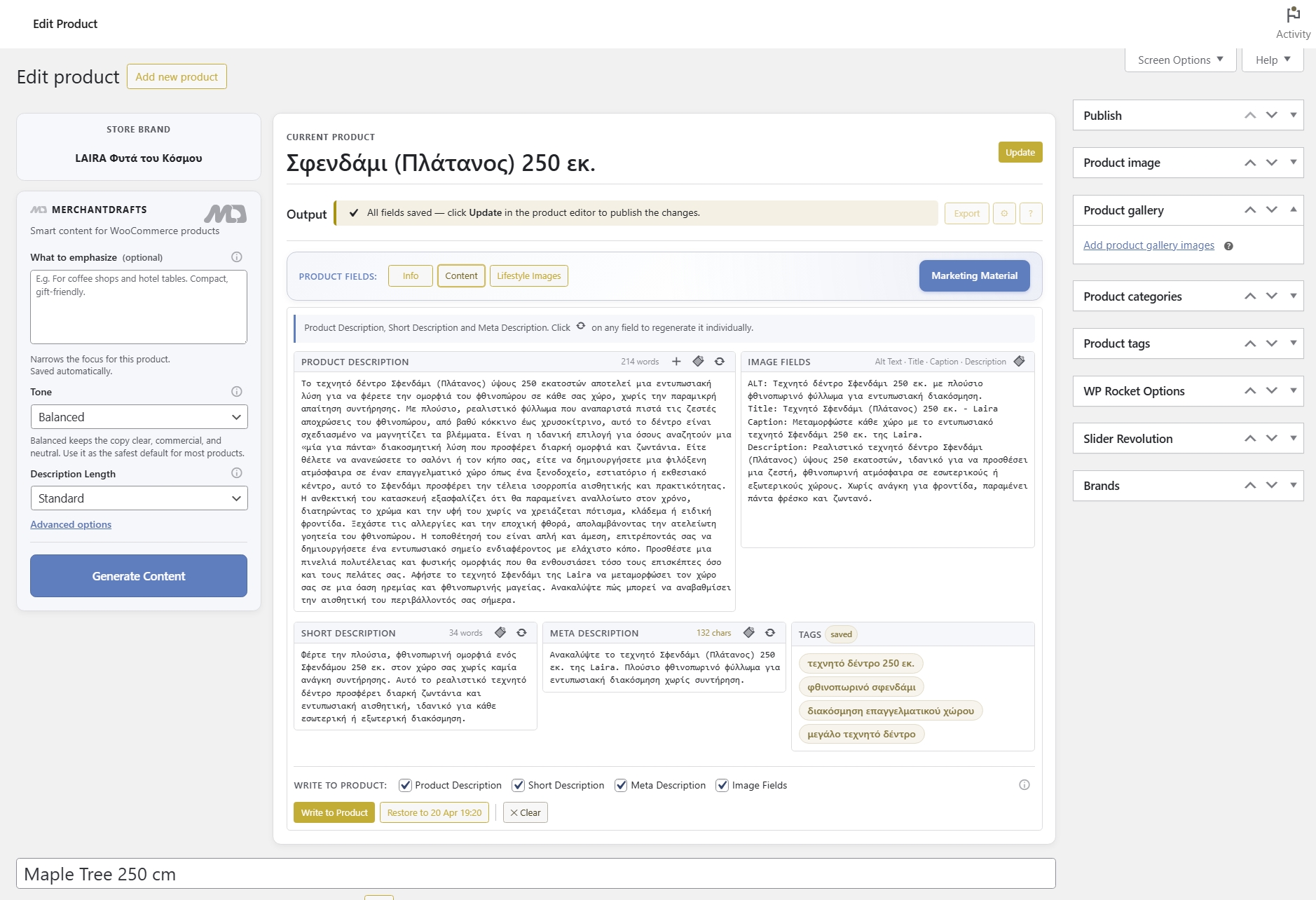
Generate long description, short description, and meta description together so the product page and search snippets stay aligned.
Use the real WooCommerce catalogue to build a focused queue, generate drafts, and review the work before applying supported product content changes. Filters, product states, and shared brand context keep the workflow grounded in the store rather than a disconnected writing tool.
01
Use WooCommerce filters, product states, and selection to focus on the products that need work.
02
Run the selected queue using the product record and reusable store context as the working source.
03
Inspect the drafts in the workspace, then choose when to write supported product content back to WooCommerce.
On this page
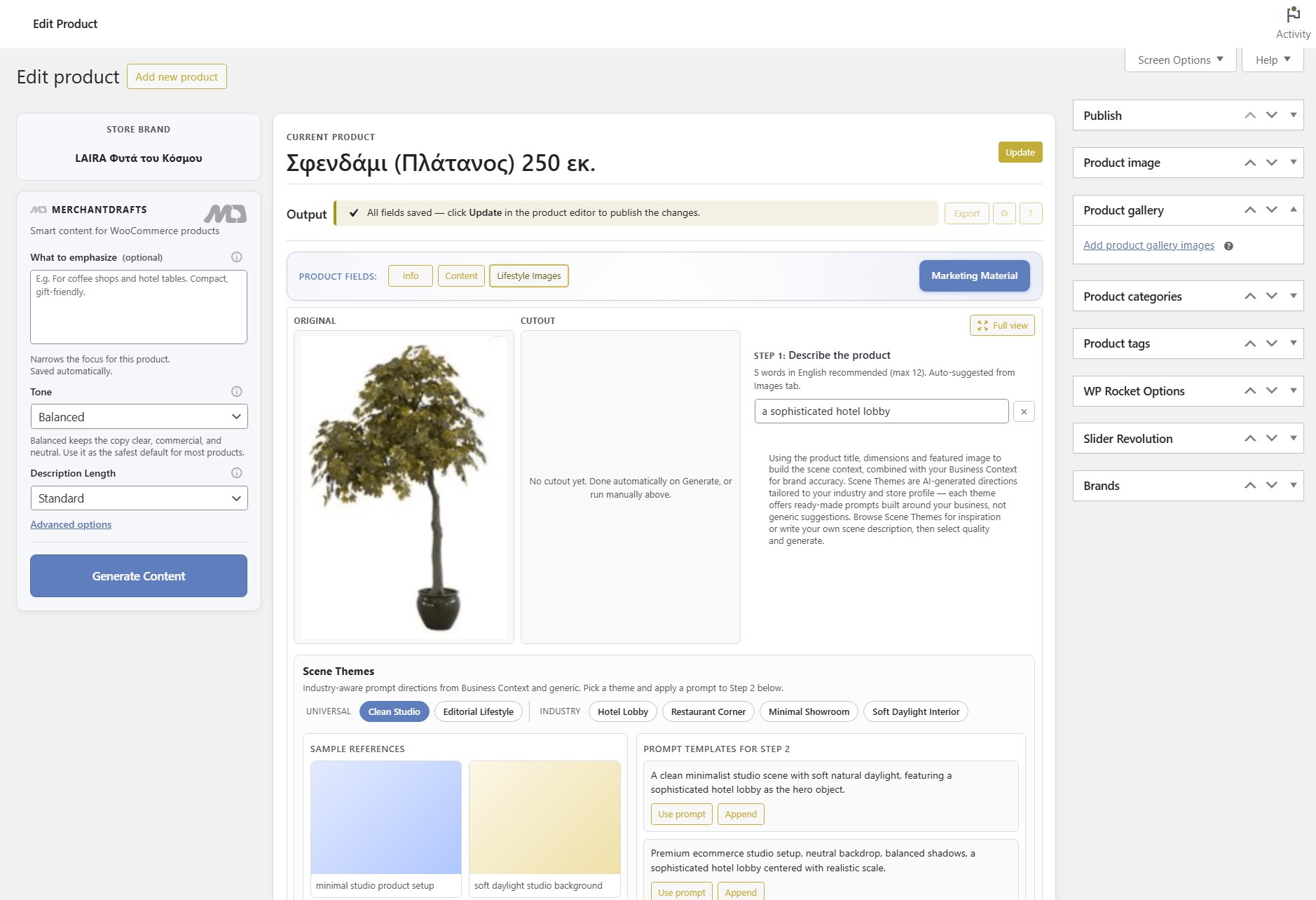
MerchantDrafts prepares every field operators actually use — copy, image metadata, and tags — using a layered prompt system built on your store context. The Content tab works alongside Lifestyle Images, Marketing Material, and left-side generation controls, while generation and writeback stay separate so nothing touches live content until you approve it.
Core copy
Generate long description, short description, and meta description together so the product page and search snippets stay aligned.
Image fields
Cover image metadata at the same time as written copy instead of treating image fields as a separate manual cleanup job.
Catalogue metadata
Prepare WooCommerce product tags alongside the main copy package so catalogue hygiene improves with every generation run.
Your brand voice, positioning, and target audience. The dominant baseline layer for every generation.
Store-level structure and style rules — sentence rhythm, vocabulary register, and formatting preferences.
Choose the overall tone and control how compact or detailed the generated WooCommerce product content should be.
What to Emphasize, Category Context, Manufacturer Description, and Writing Pattern keep output relevant to the specific product.
Before
After
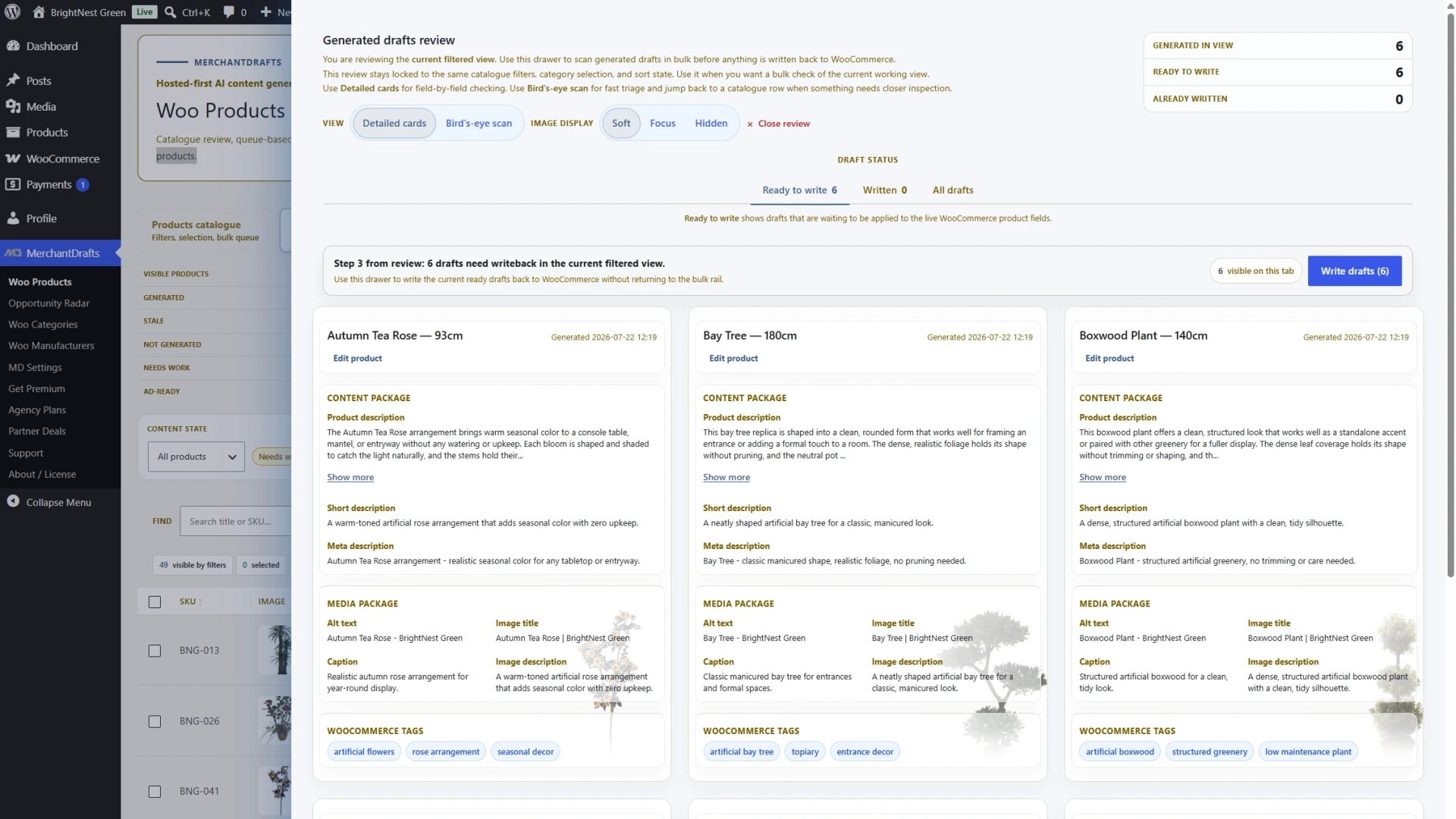
Generation is not publishing.
MerchantDrafts keeps review and writeback separate, which reduces the risk of blindly overwriting live product content.
MerchantDrafts is designed for the real job behind WooCommerce catalogue upkeep: generating usable first drafts quickly, keeping the store voice stable, and separating generation from live publishing decisions.
01
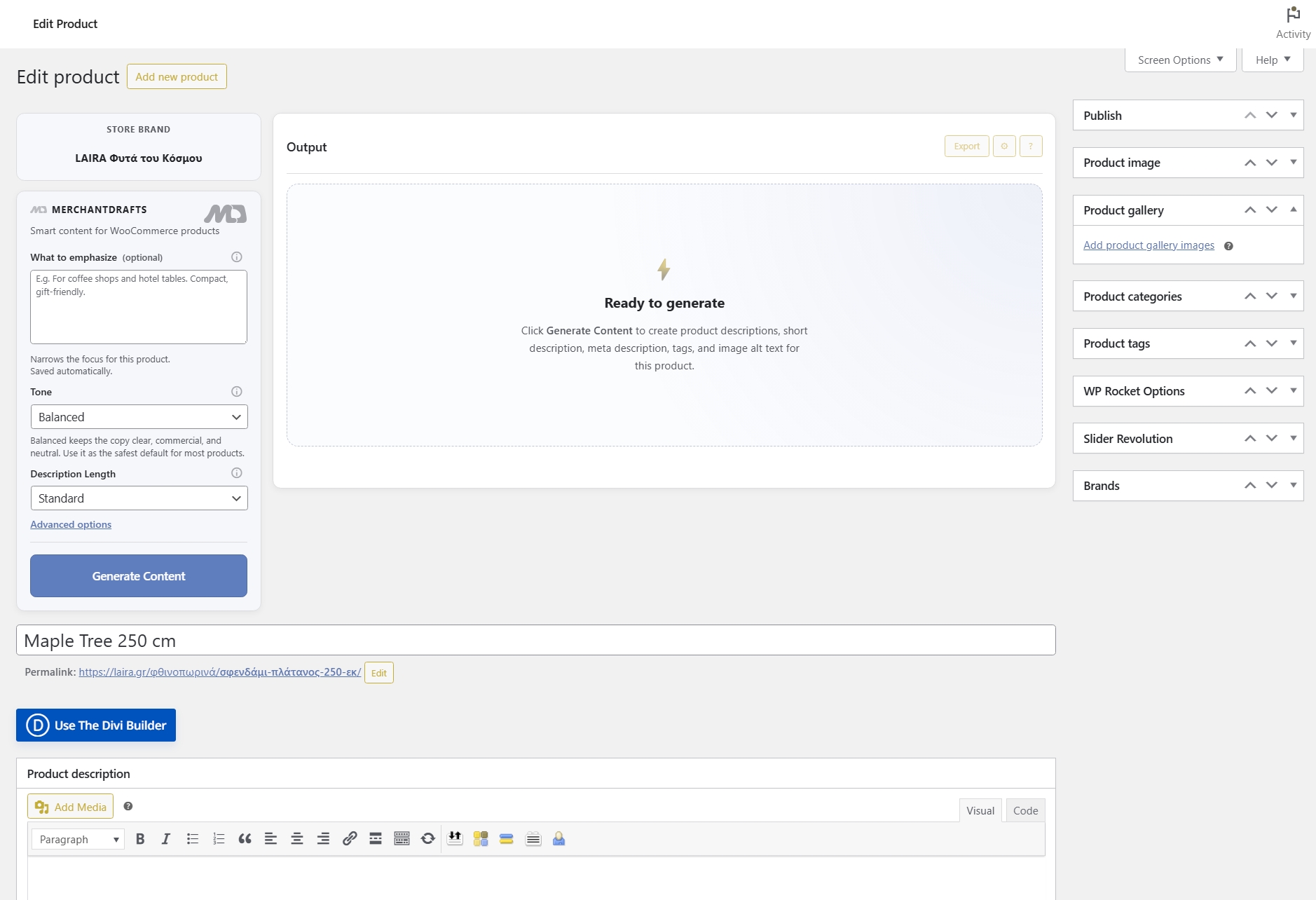
Generate structured product content faster than writing from scratch for every SKU. Use a single-product flow when needed, then move into Products Workspace when the job becomes catalogue-wide.
02
Keep generation separate from publishing so live WooCommerce fields change only after review and approval, not the moment the model produces output.
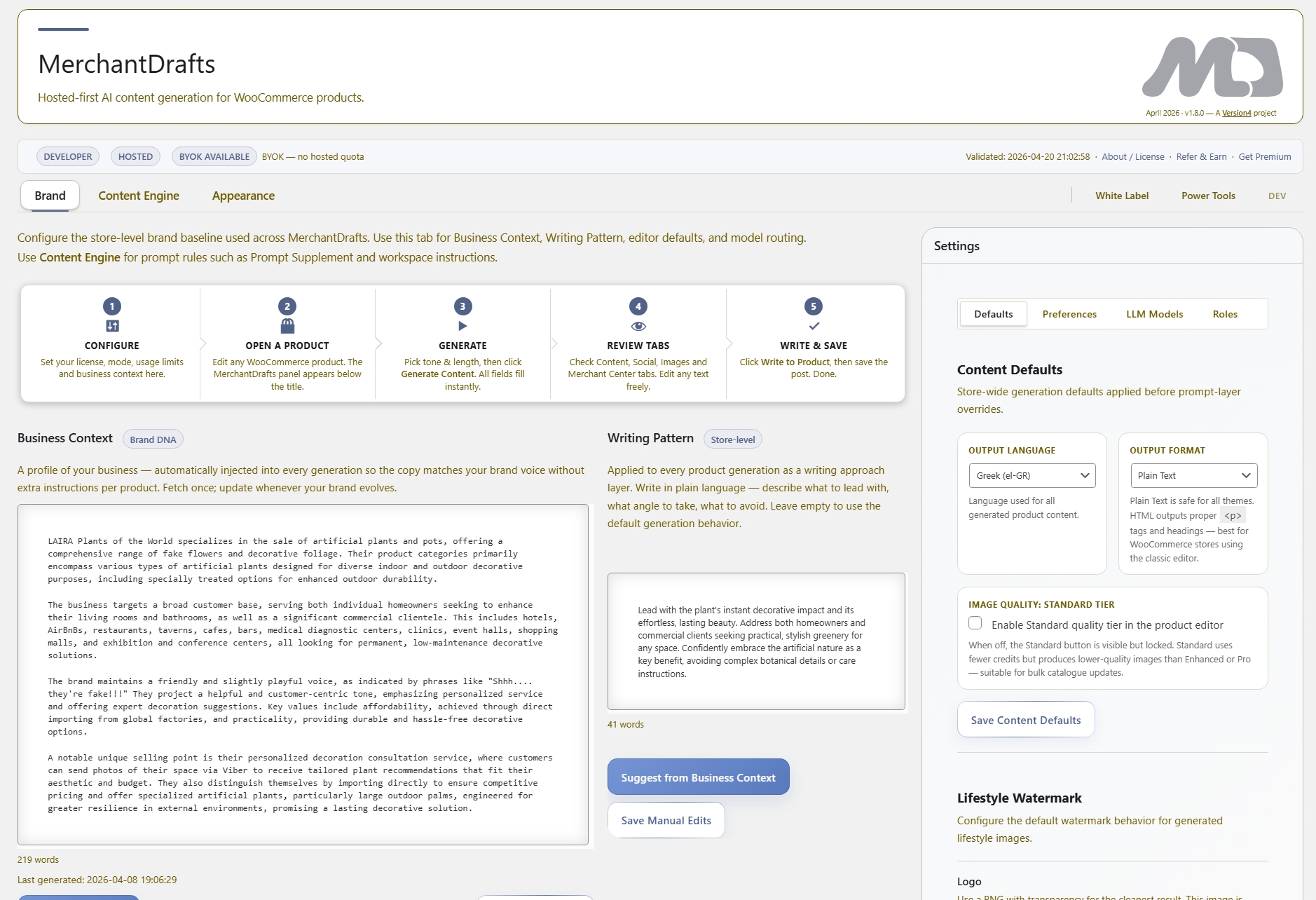
03
Use Business Context, Writing Pattern, and product-level emphasis notes so descriptions stay aligned across products instead of drifting into generic AI language.
04
Generate long description, short description, meta description, image fields, and product tags in one connected product-content workflow.
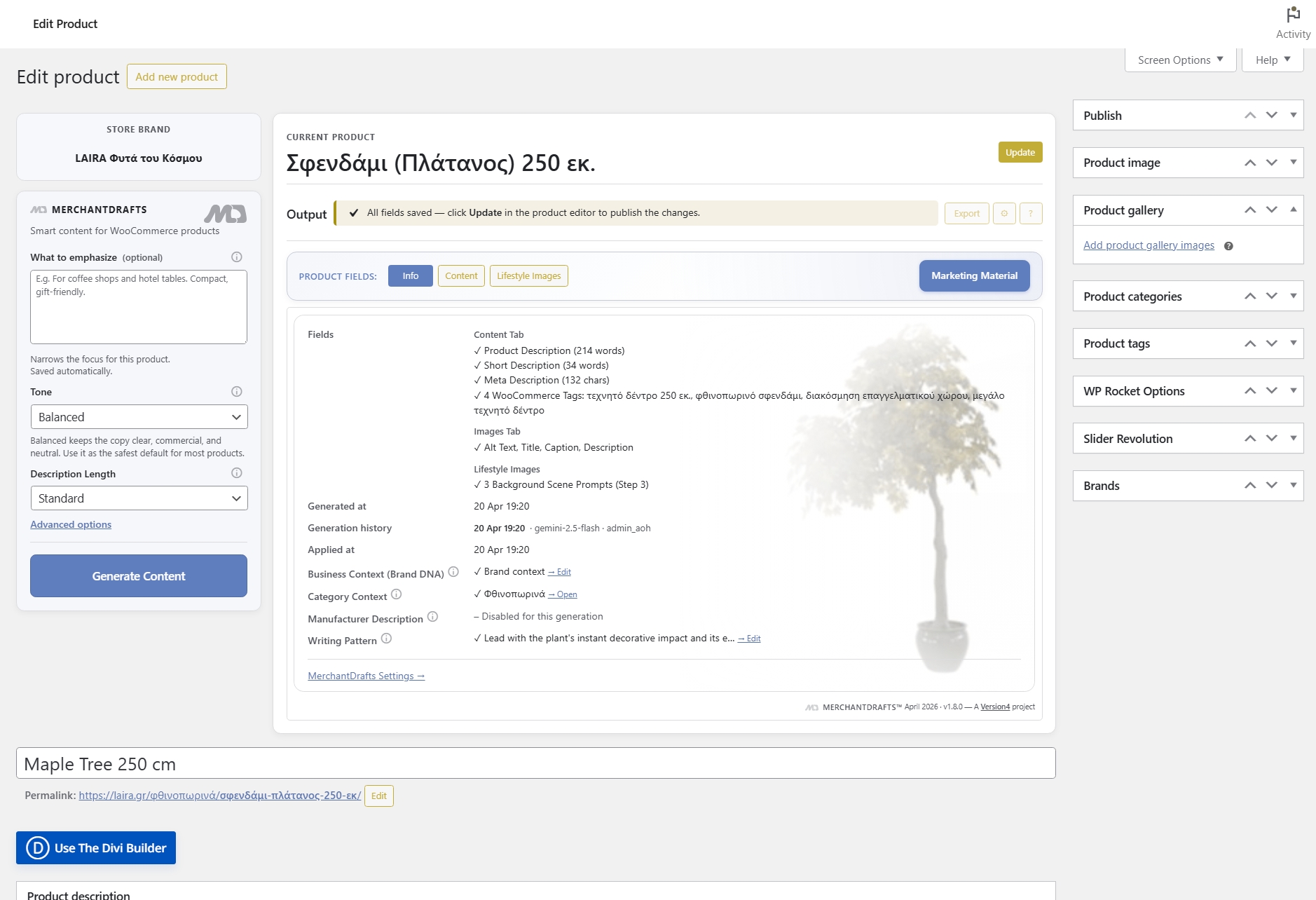
05
Run the workflow from the product editor instead of moving product data back and forth between WooCommerce and external AI tools.
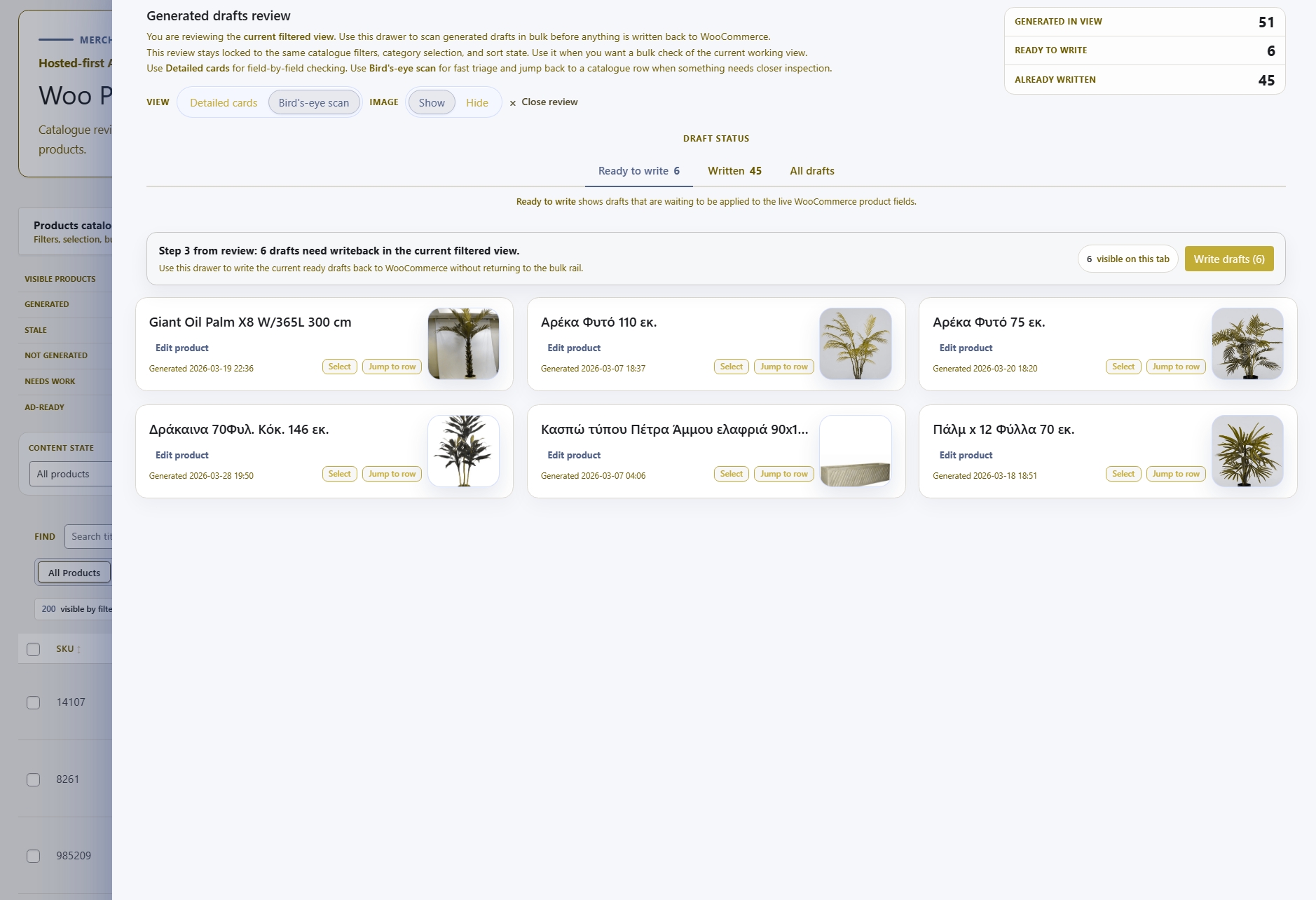
06
Start with one product, then extend the same review logic into Products Workspace when the job becomes catalogue-wide.
Content Generation is one part of the MerchantDrafts workflow. These adjacent surfaces cover the jobs operators usually handle next, from promotional content and image workflows to the controls that shape output before generation.
Content
Generate platform-ready promotional copy from product context instead of rewriting the same offer for each channel.
Content
Add scene generation and product-visual workflows to the same operator process instead of handling image direction elsewhere.
Content
Use What to Emphasize, Tone, Description Length, Business Context, Category Context, Manufacturer Description, and Writing Pattern to shape output before you generate.
Intelligence
See how Business Context, Writing Pattern, and related control layers shape output across the site.